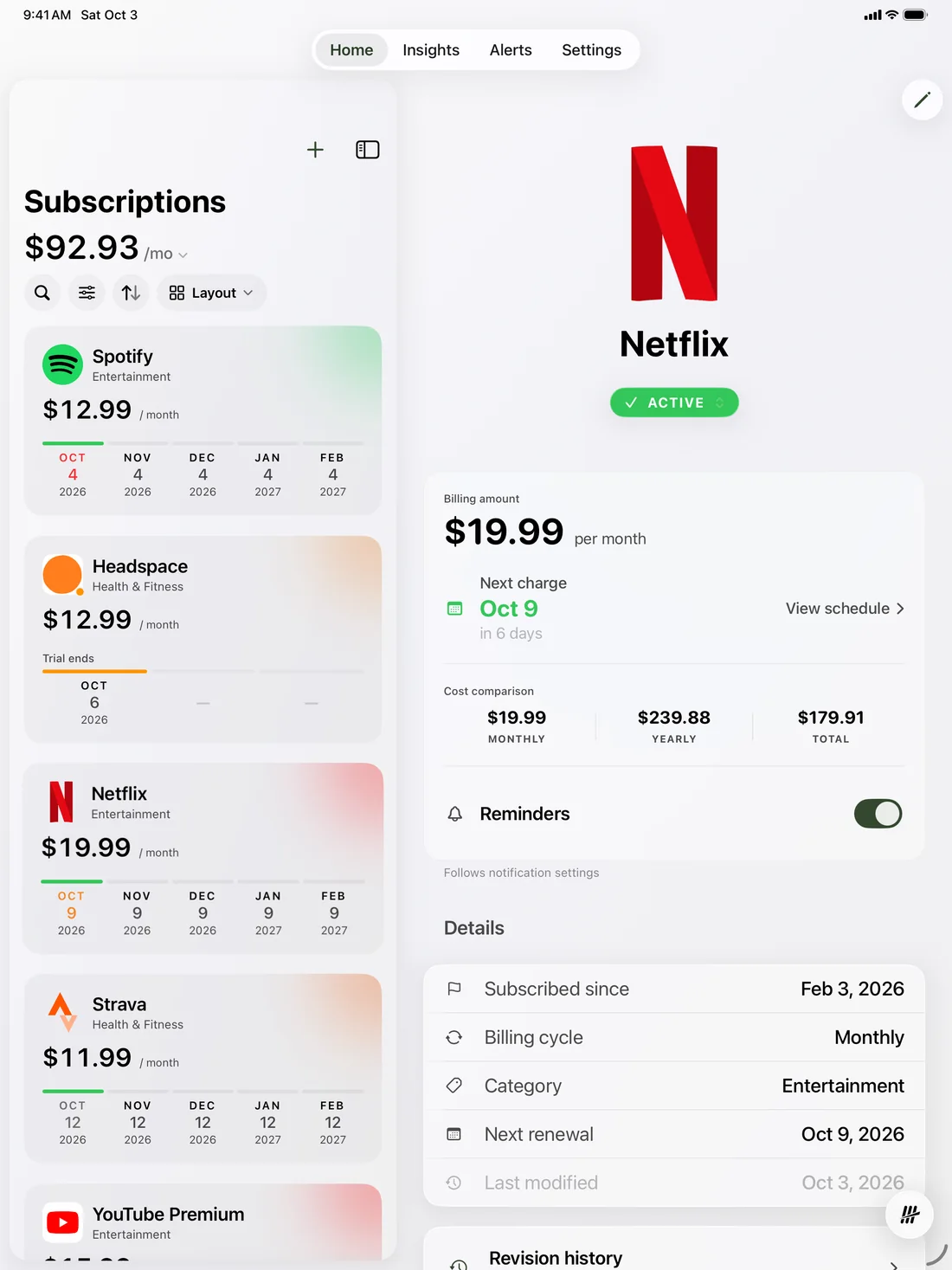
Free for 4 subscriptions. No account required.For Mac, iPhone, and iPad. An Android app isn’t available.Free for 4 subscriptions. No account required. See Tenny on Mac
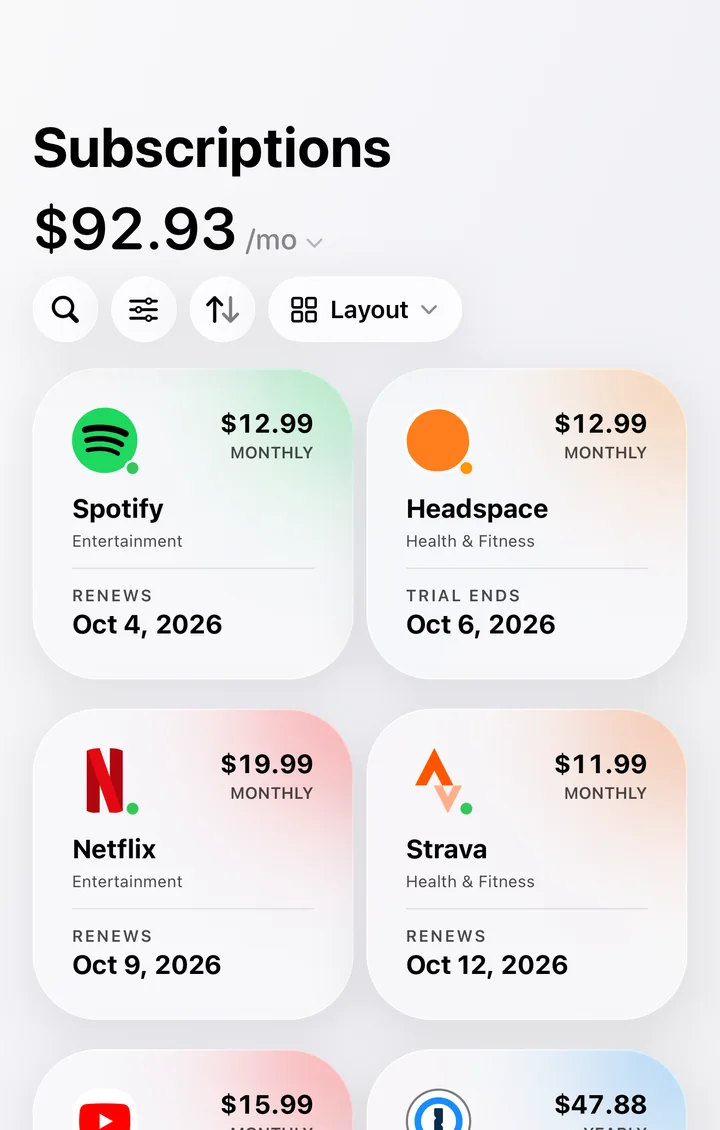
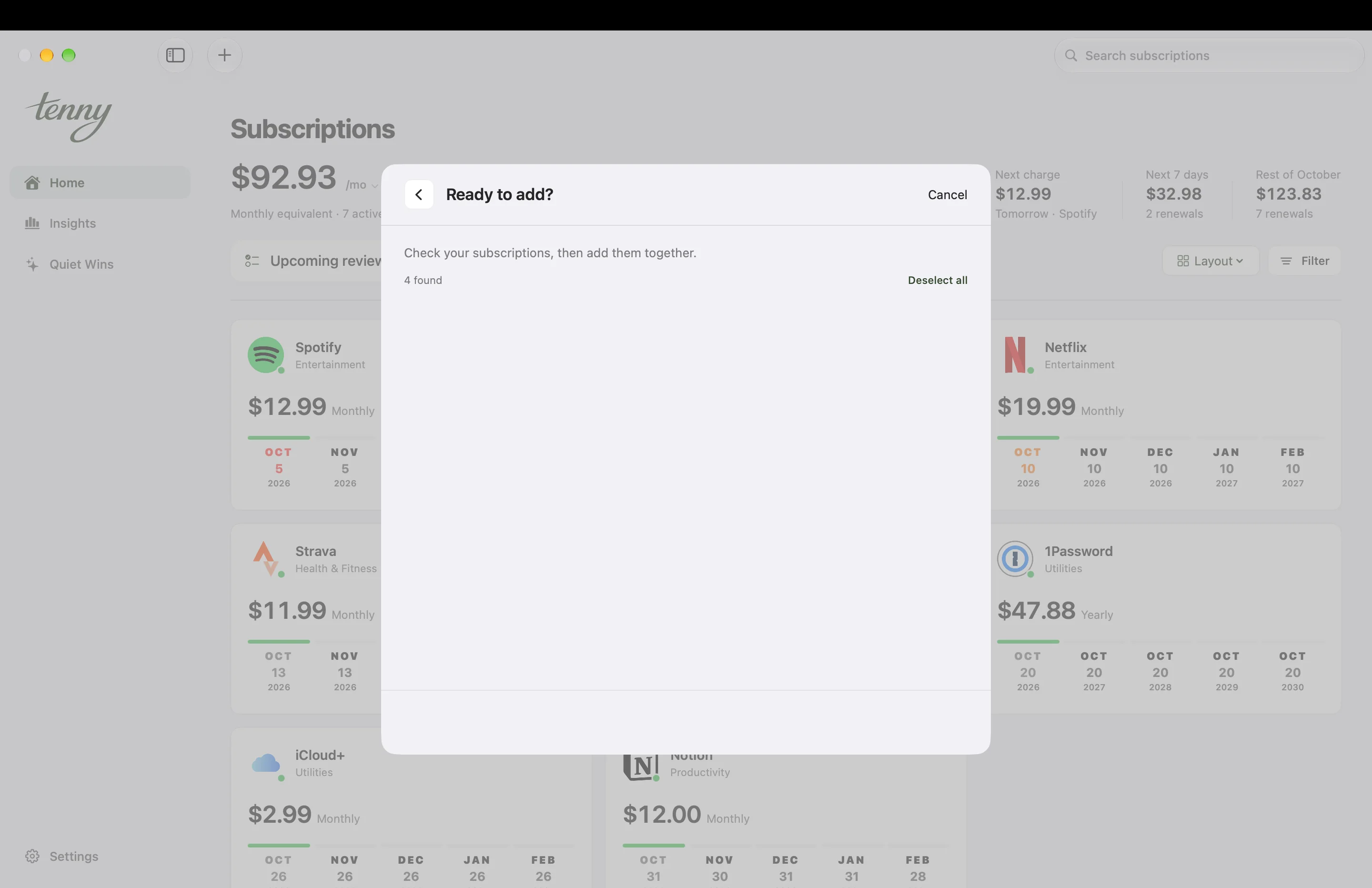
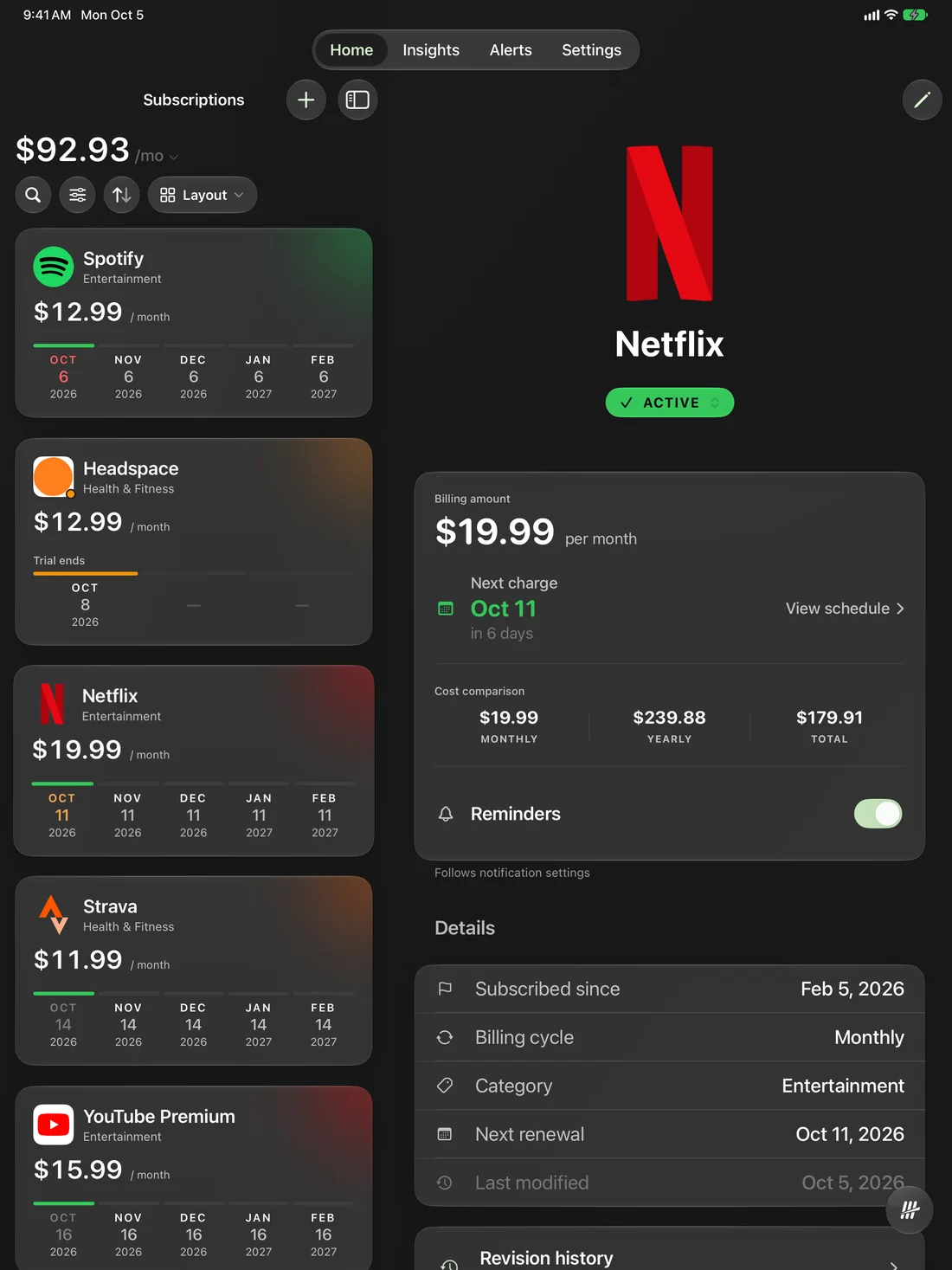
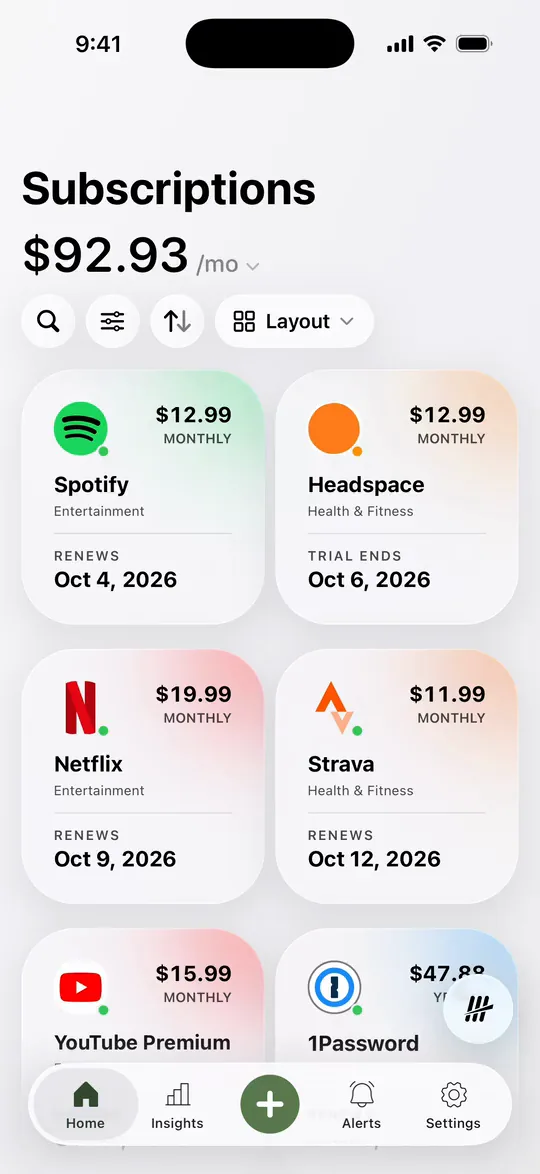
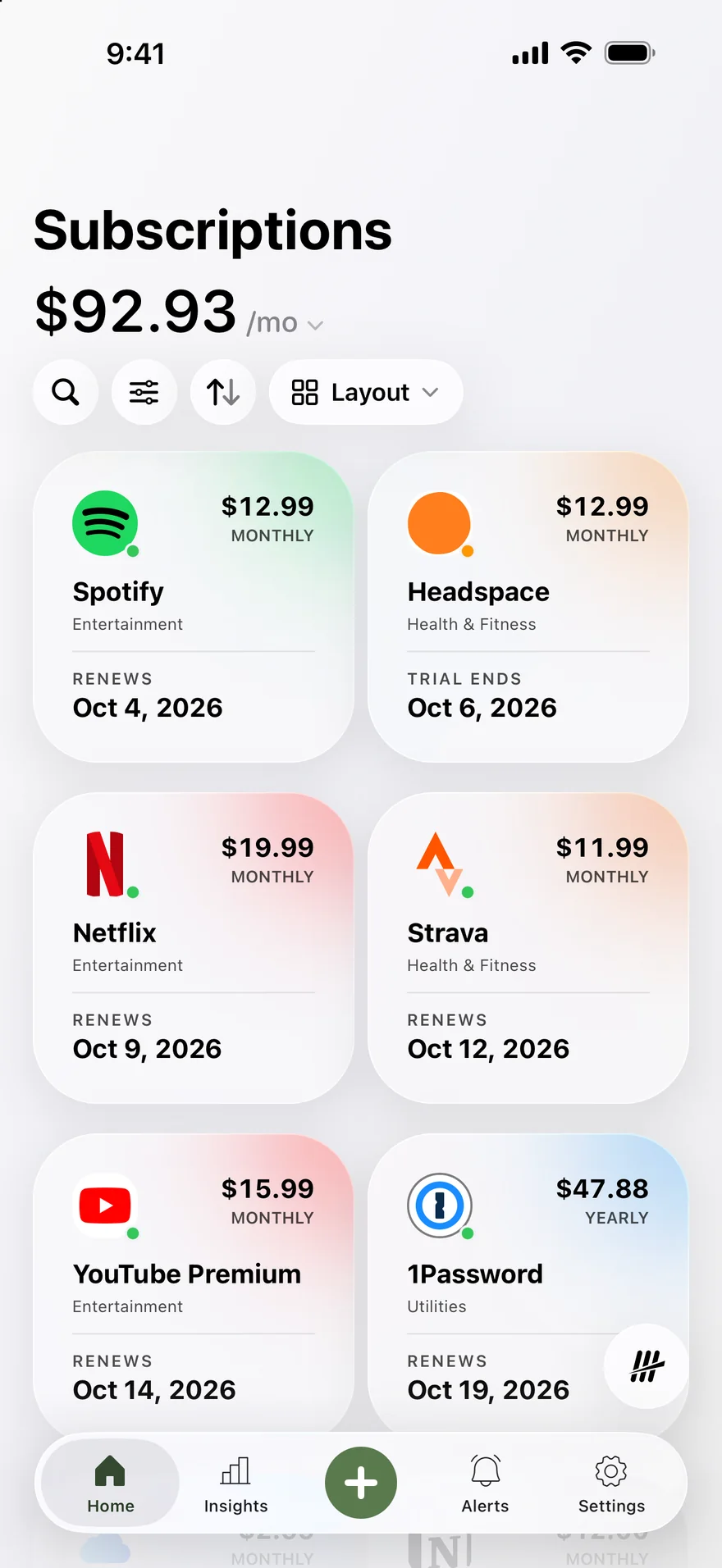
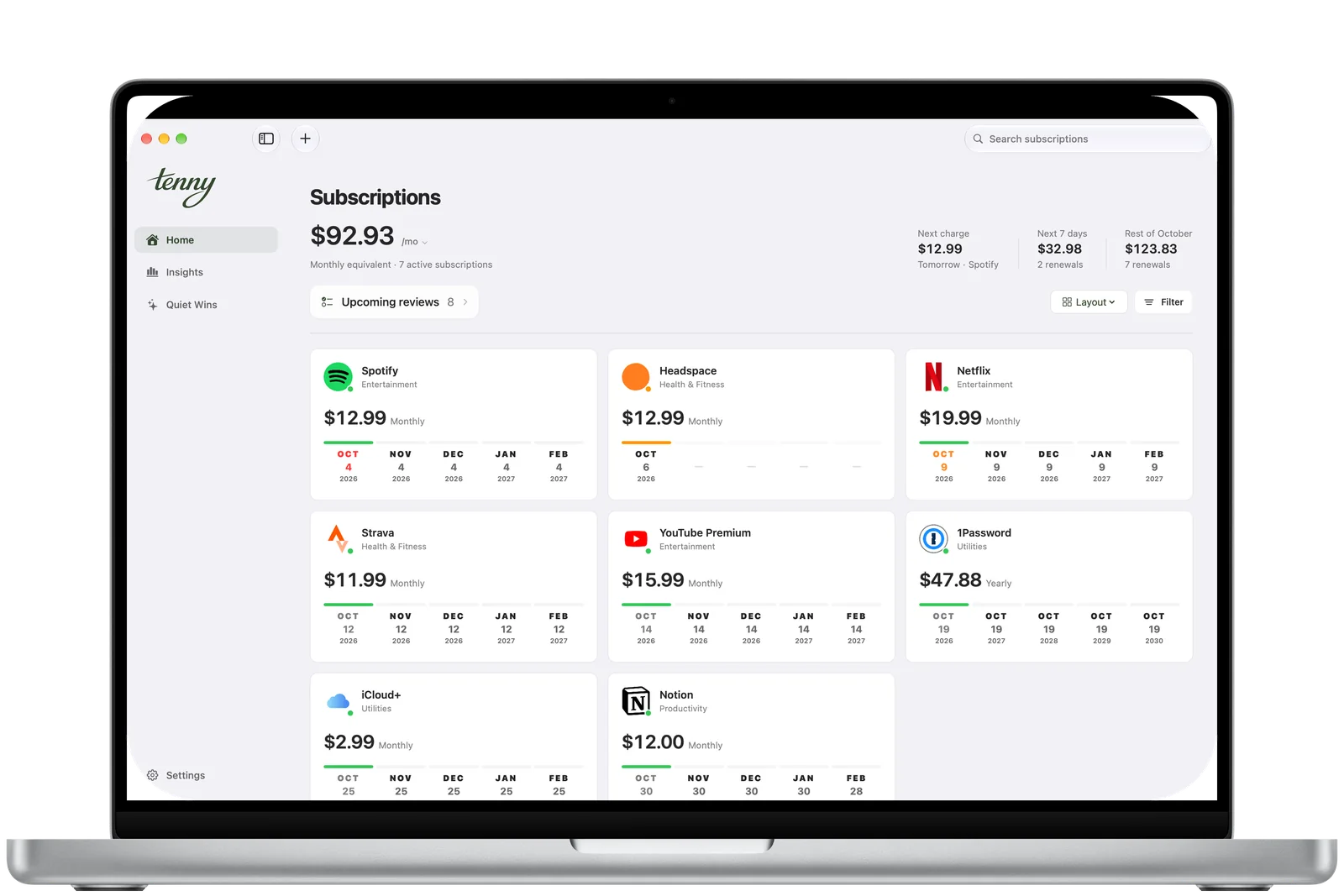
$92.93/mo
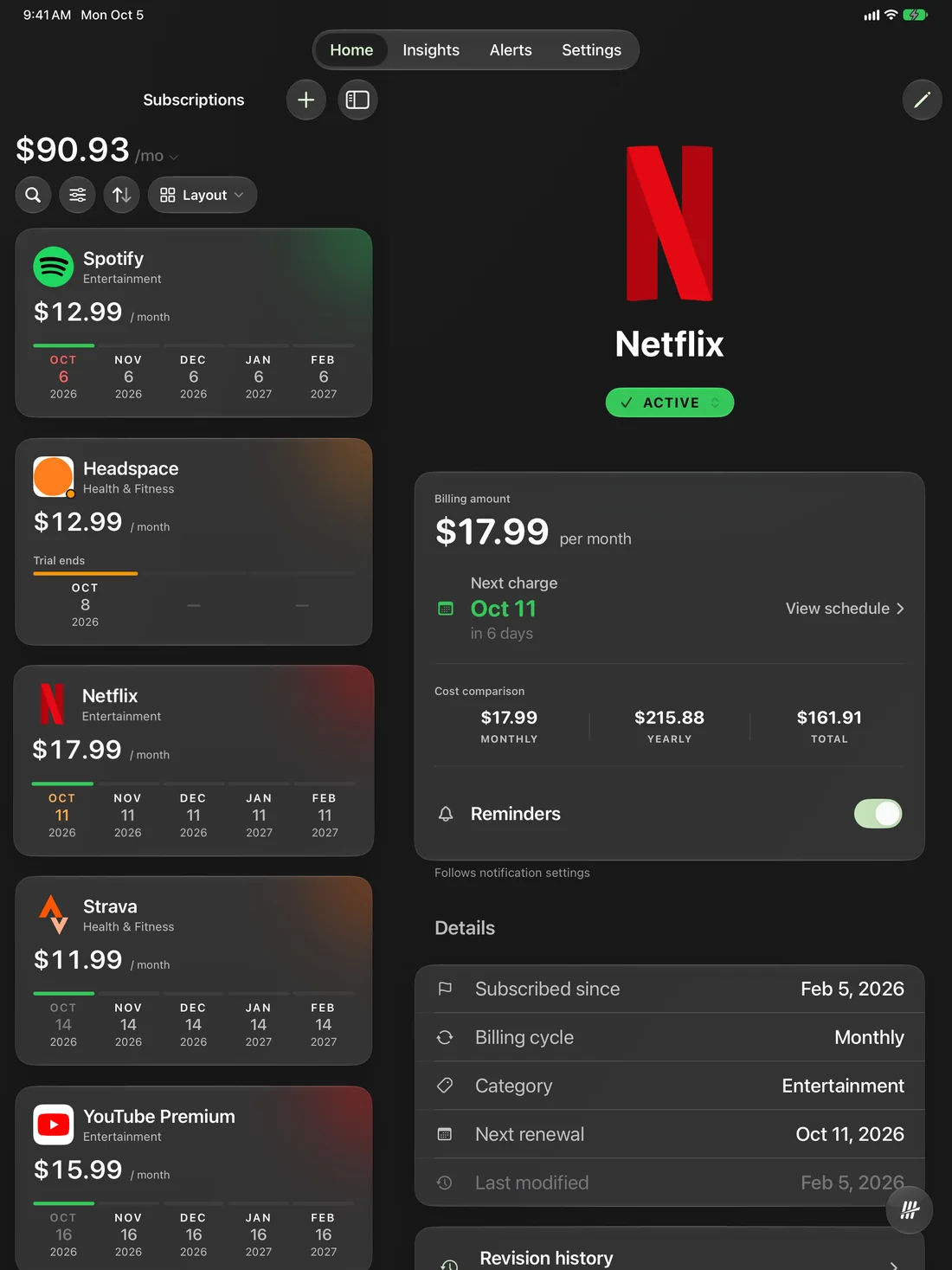
Every subscription, added up.
Oct 4
Each renewal, dated on its card.
One calm number
Every subscription. One calm number.
Music. Movies. That app you meant to try for a week. Tenny adds them up the moment you open it.
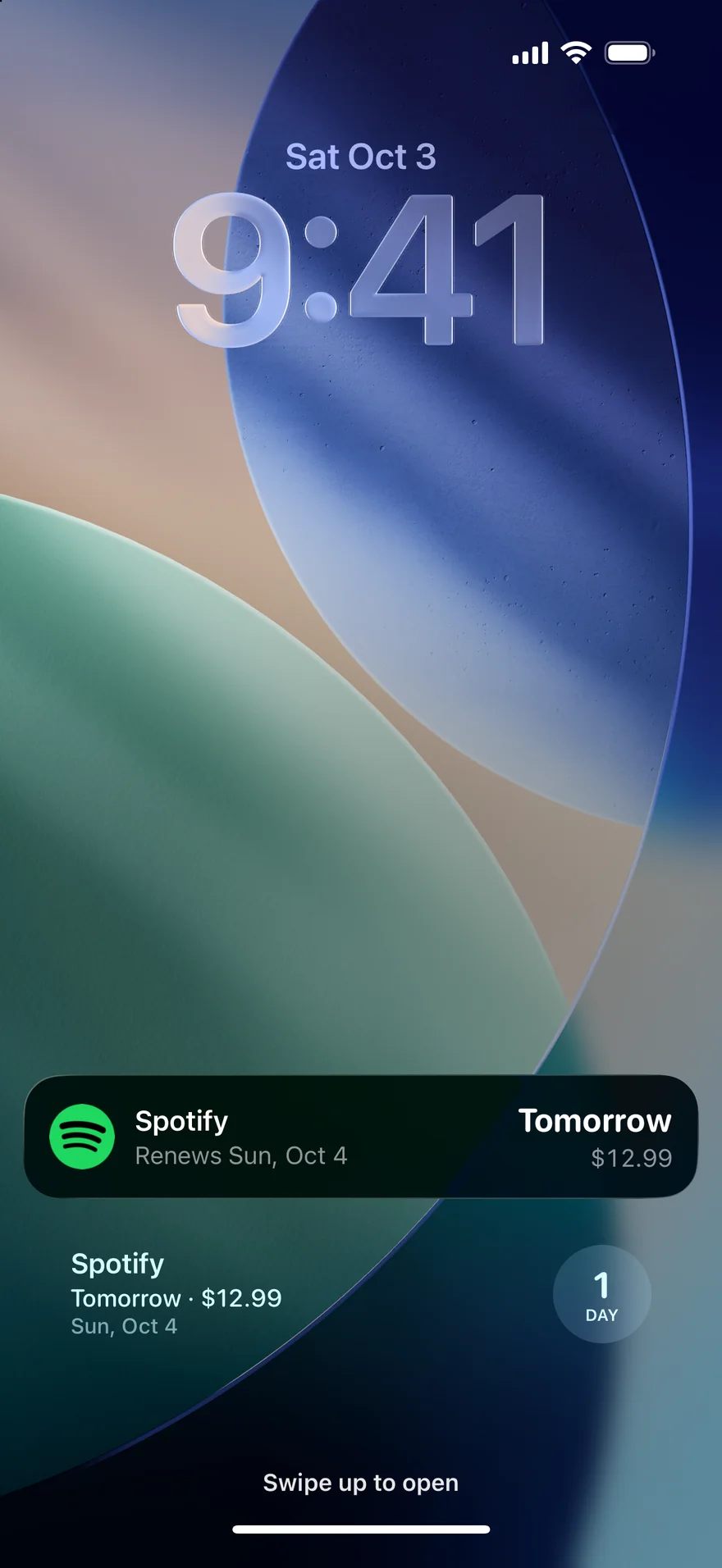
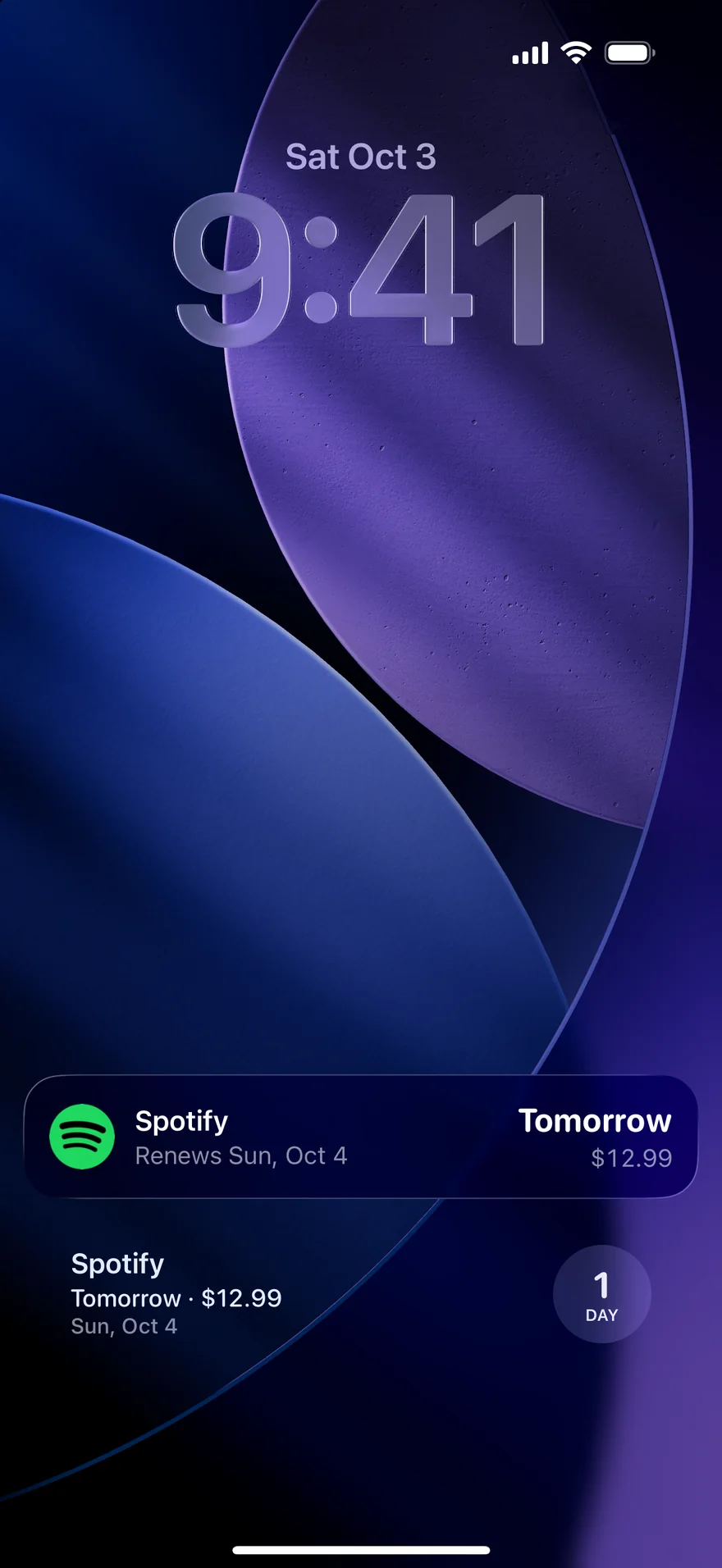
Opt in to see a charge due today or tomorrow, on your Lock Screen and in the Dynamic Island.
Names and amounts stay hidden unless you allow details in notifications.3
Widgets
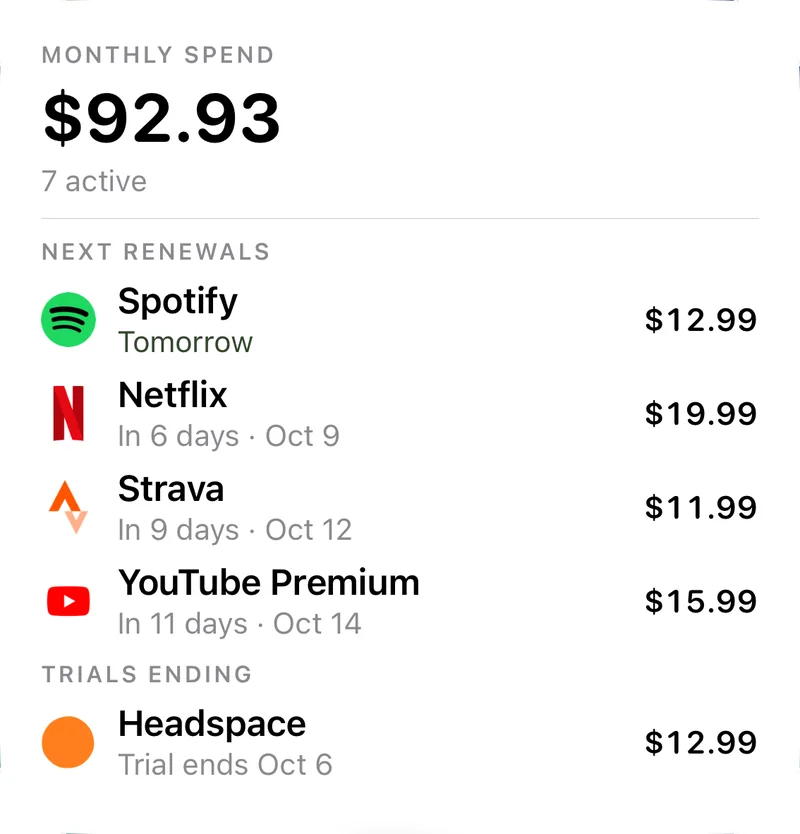
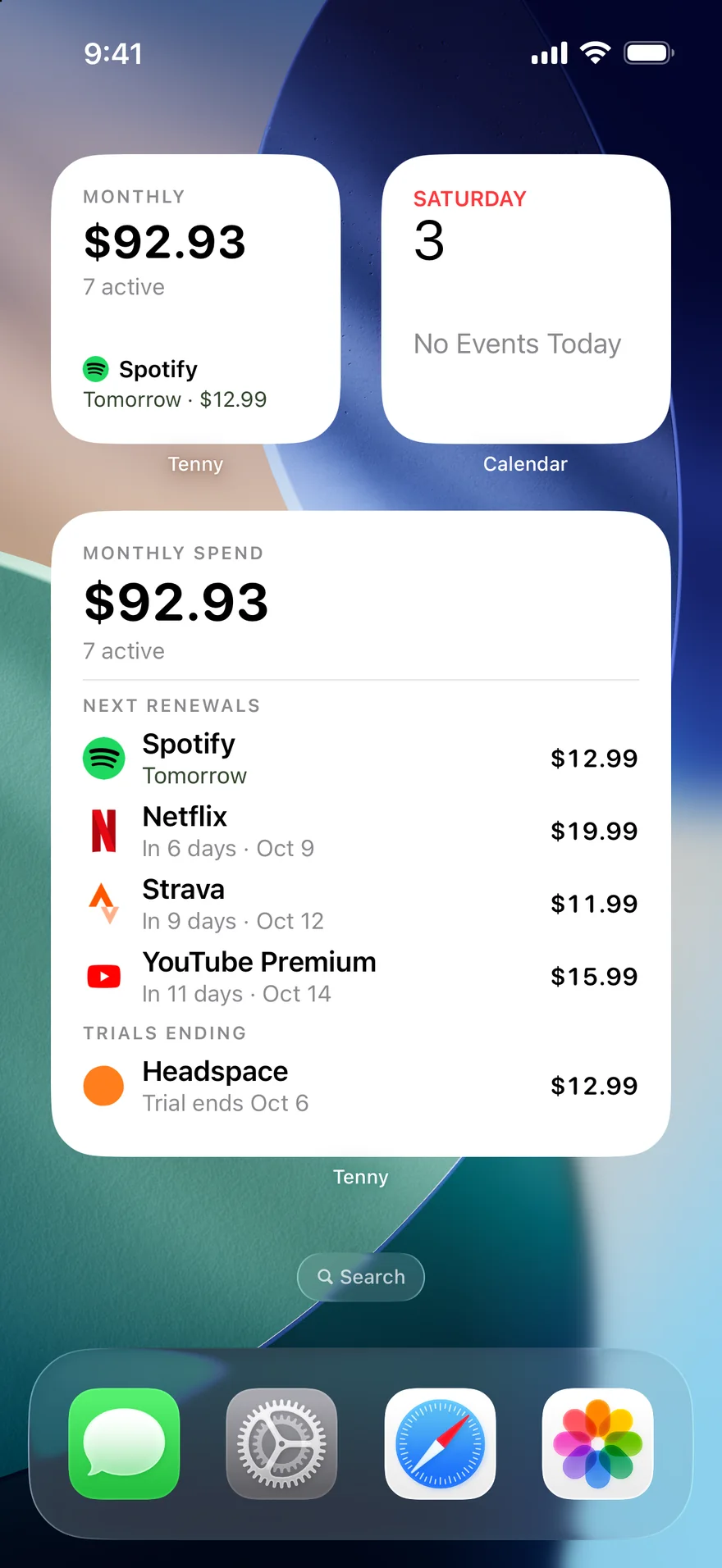
Your total. Right on Home.
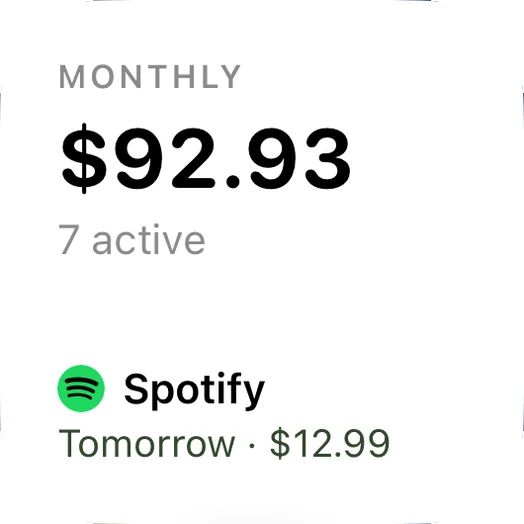
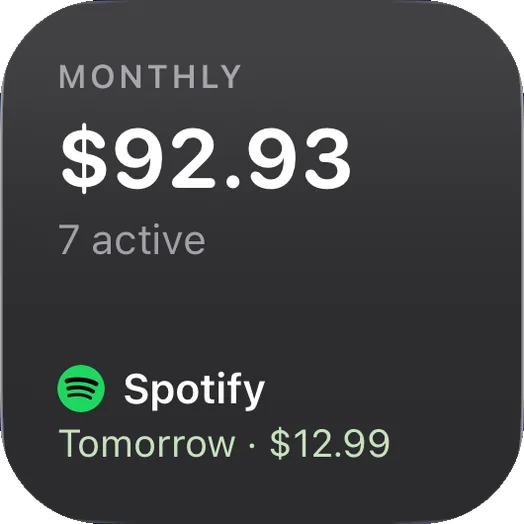
Your total and next charge, without opening the app.
On your Home Screen or Lock Screen.
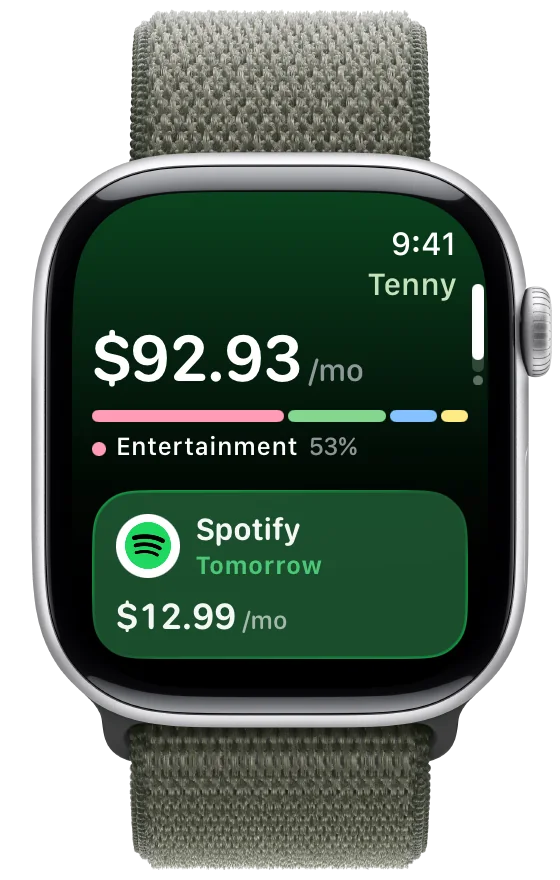
Apple Watch
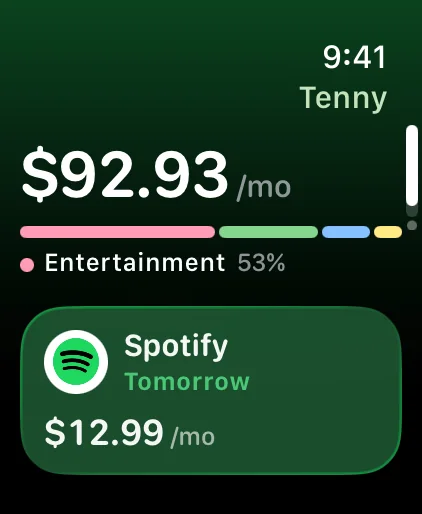
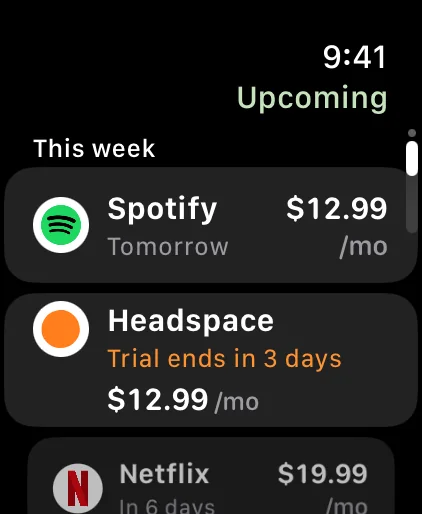
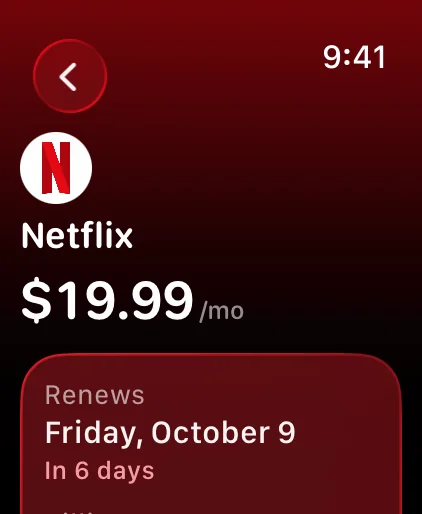
Next renewal. On your wrist.
Raise your wrist to see your monthly total and what renews next. Turn the crown for the week ahead.
Your total and the next renewal.
What’s coming up this week.
When each one renews, and for how much.
The Apple Watch app shows updates from your paired iPhone.
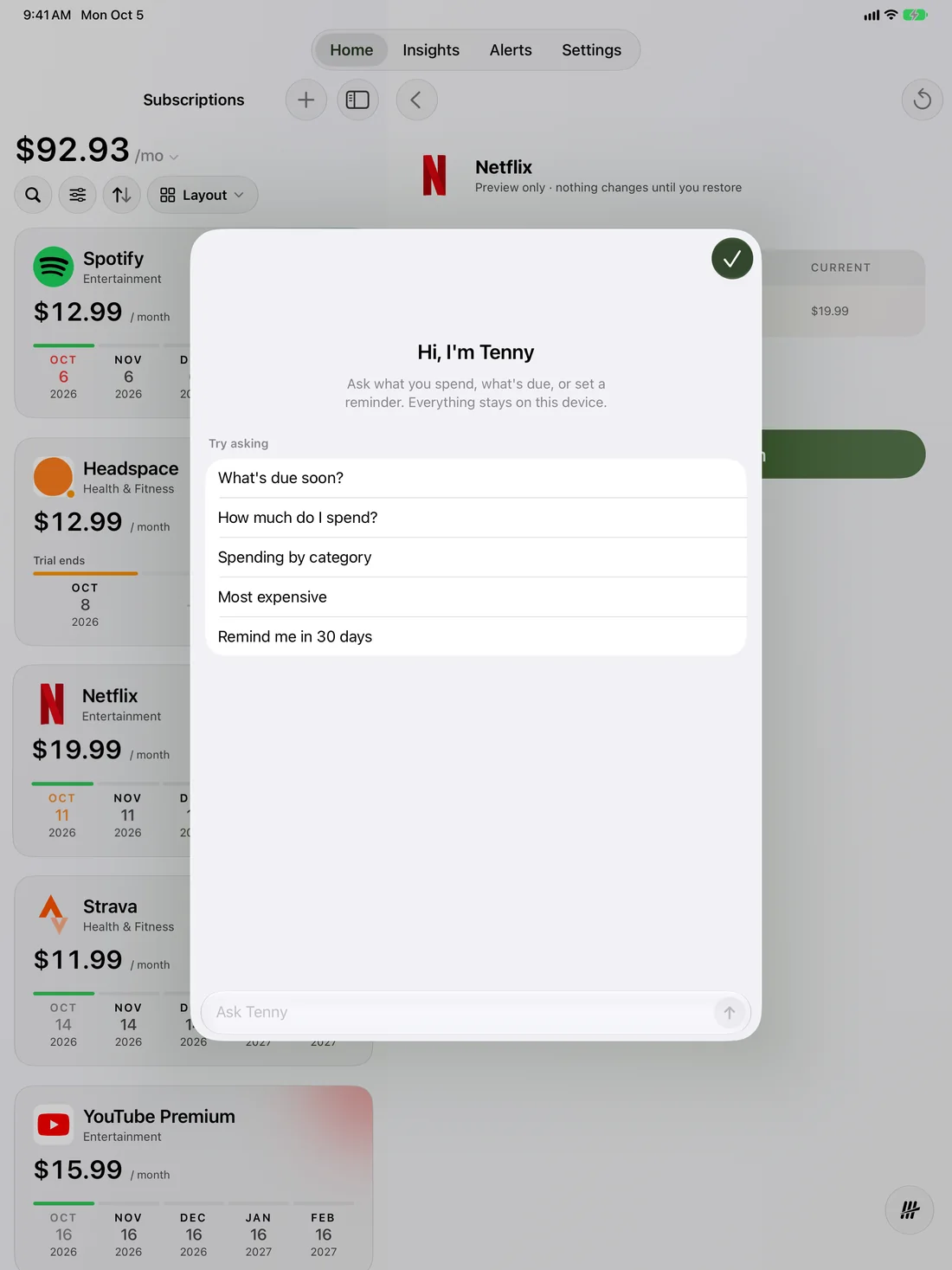
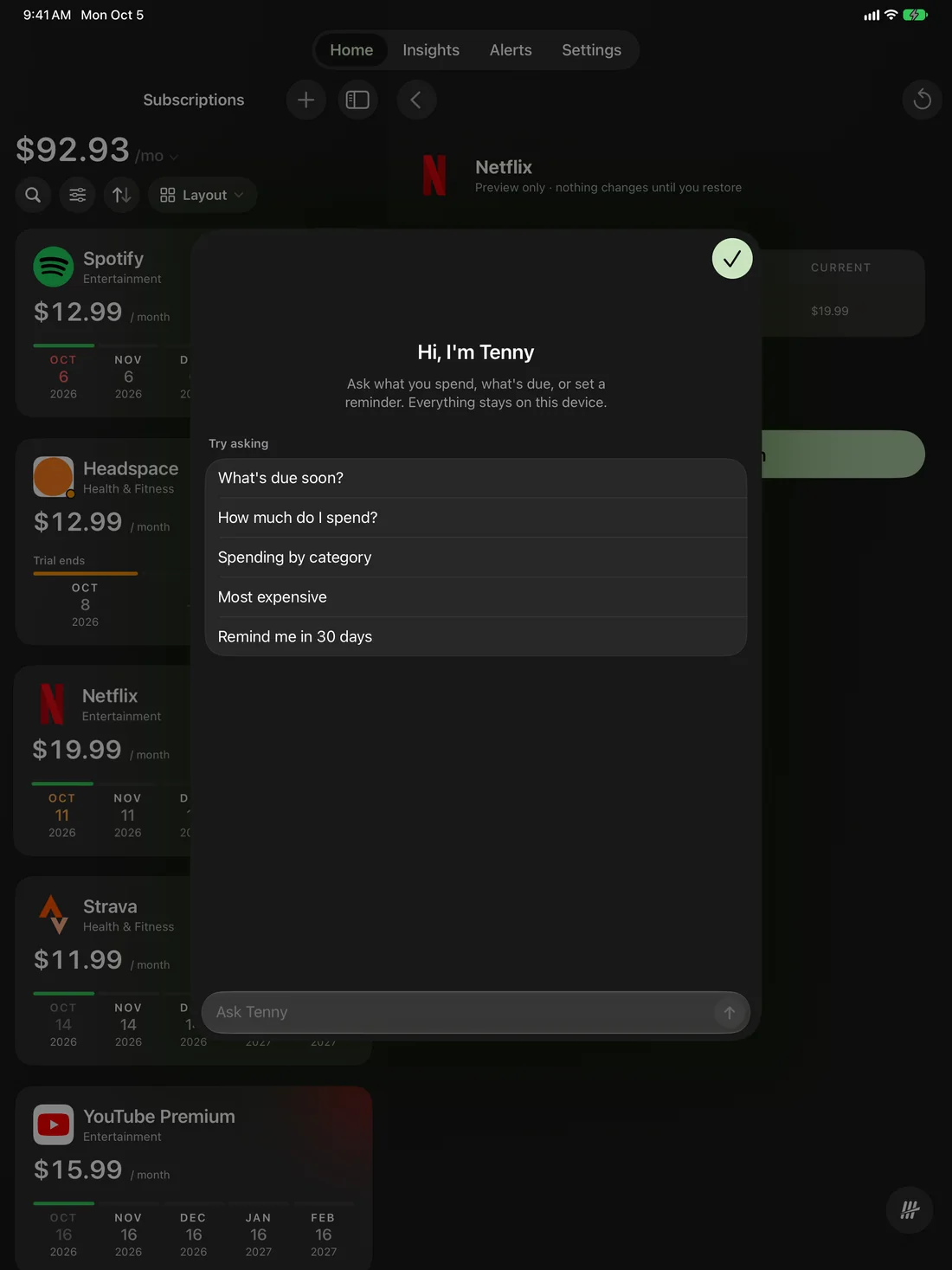
Ask Tenny
Just ask.
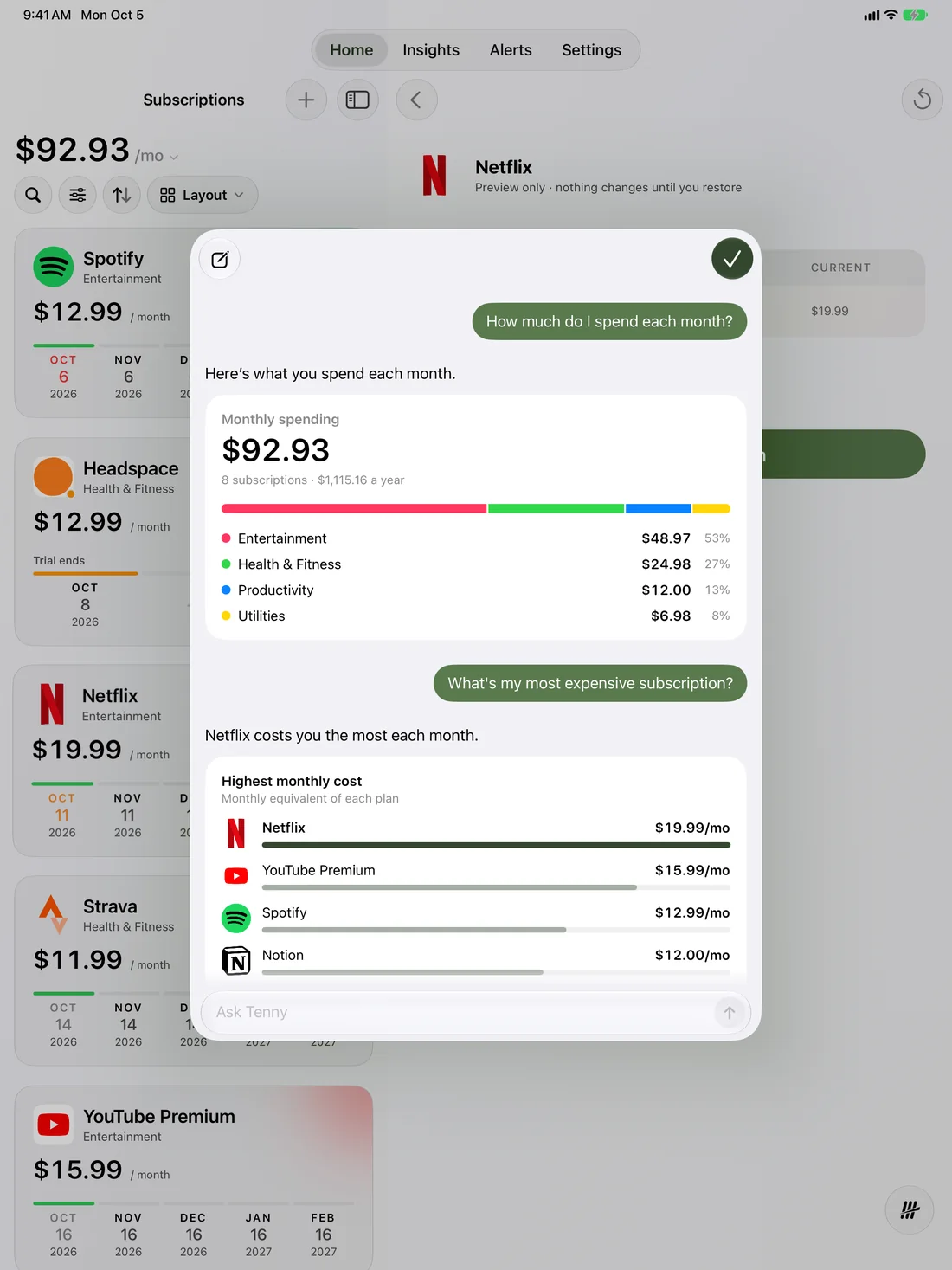
Ask what’s due or where it goes. Get a straight answer.
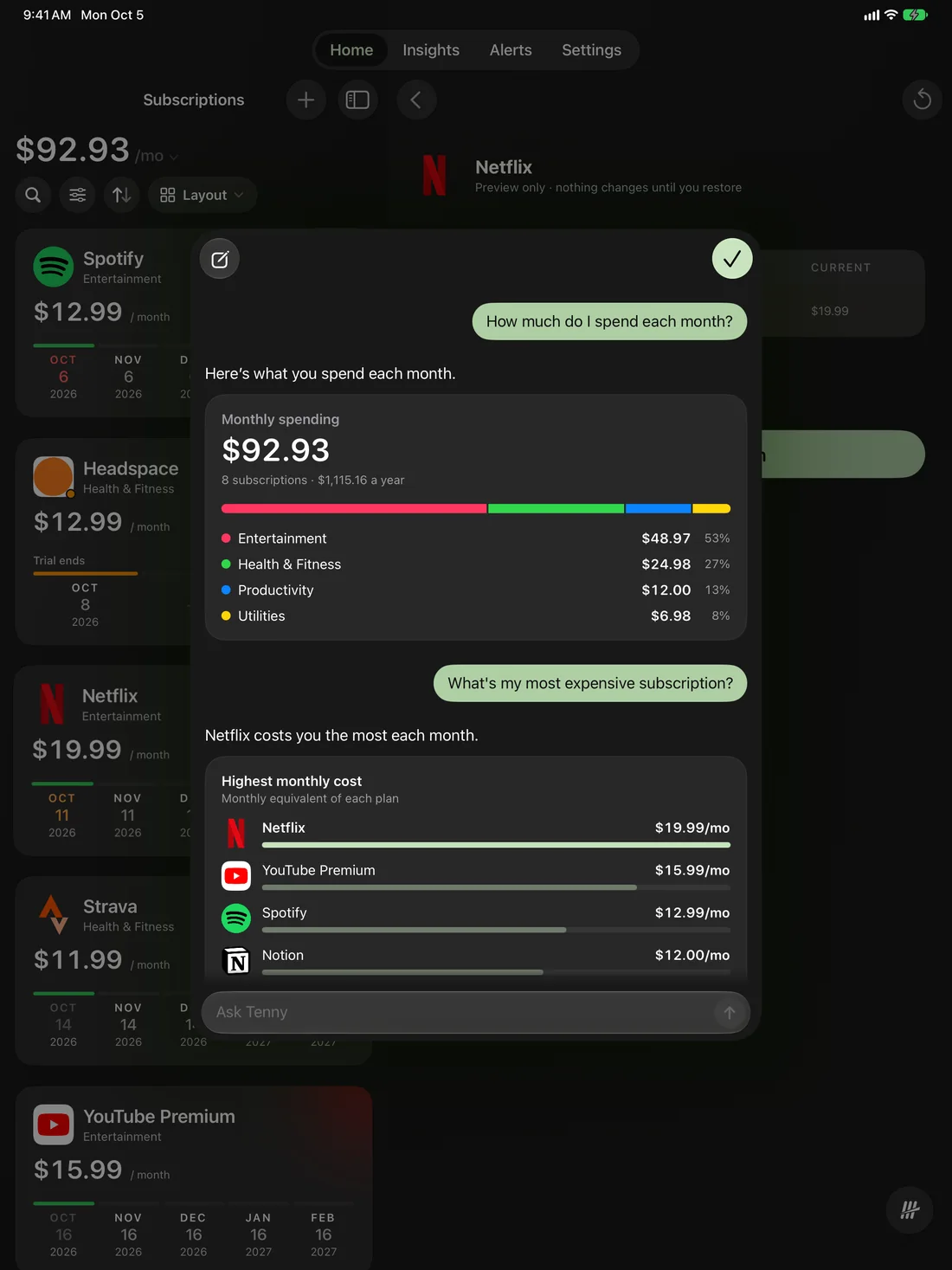
“How much do I spend each month?”
“What’s my most expensive subscription?”
“Remind me in 30 days.”
Answers come with a simple chart. It runs on your device, and your questions stay there.2
Ask Tenny
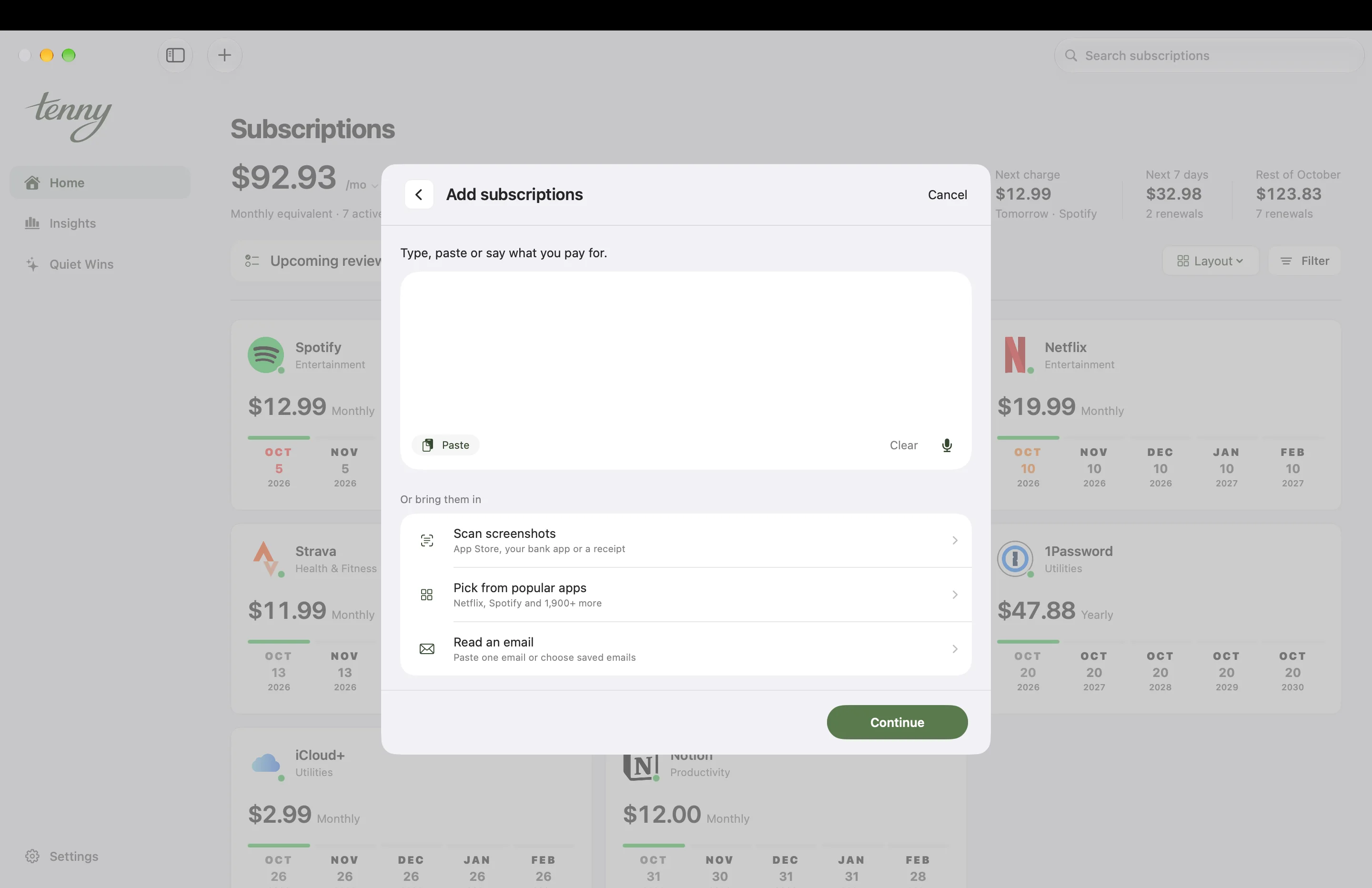
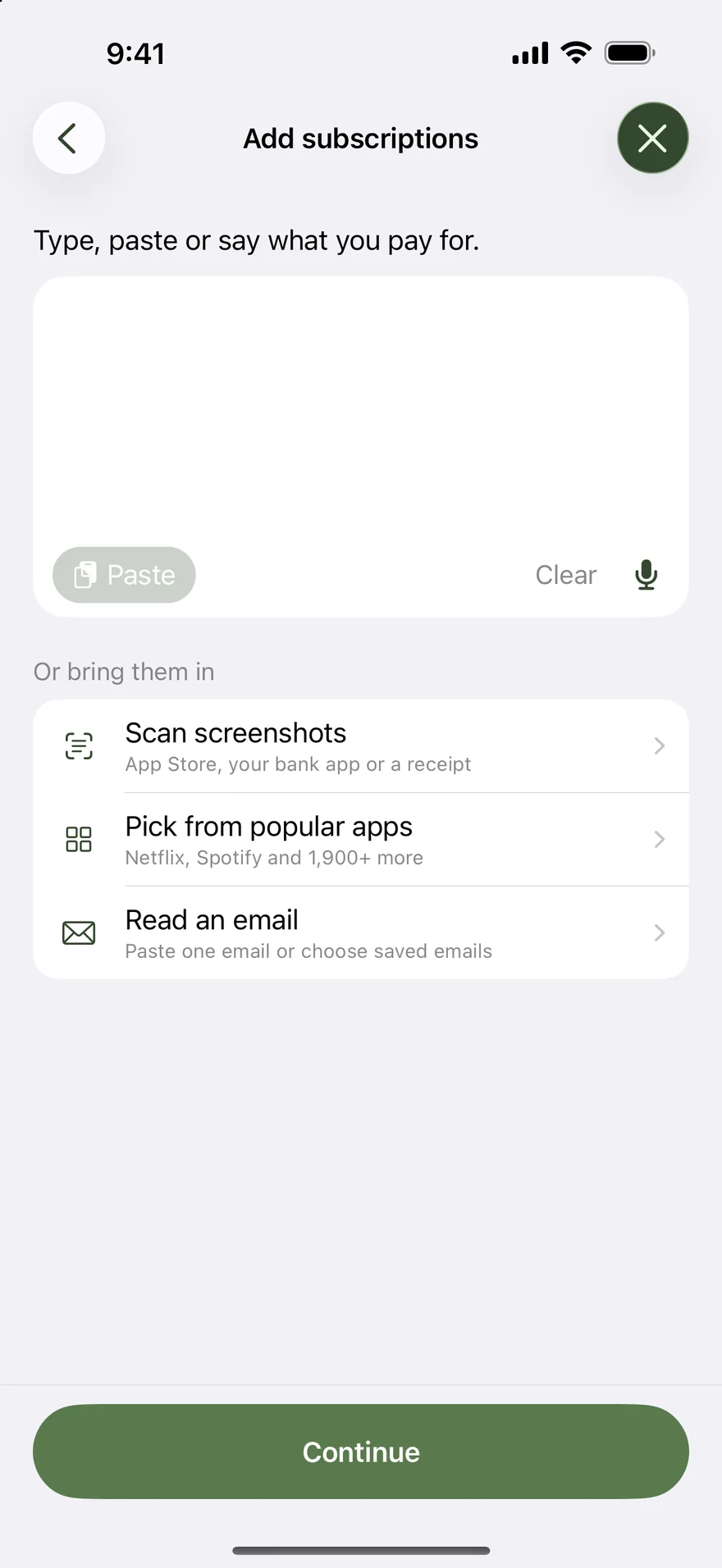
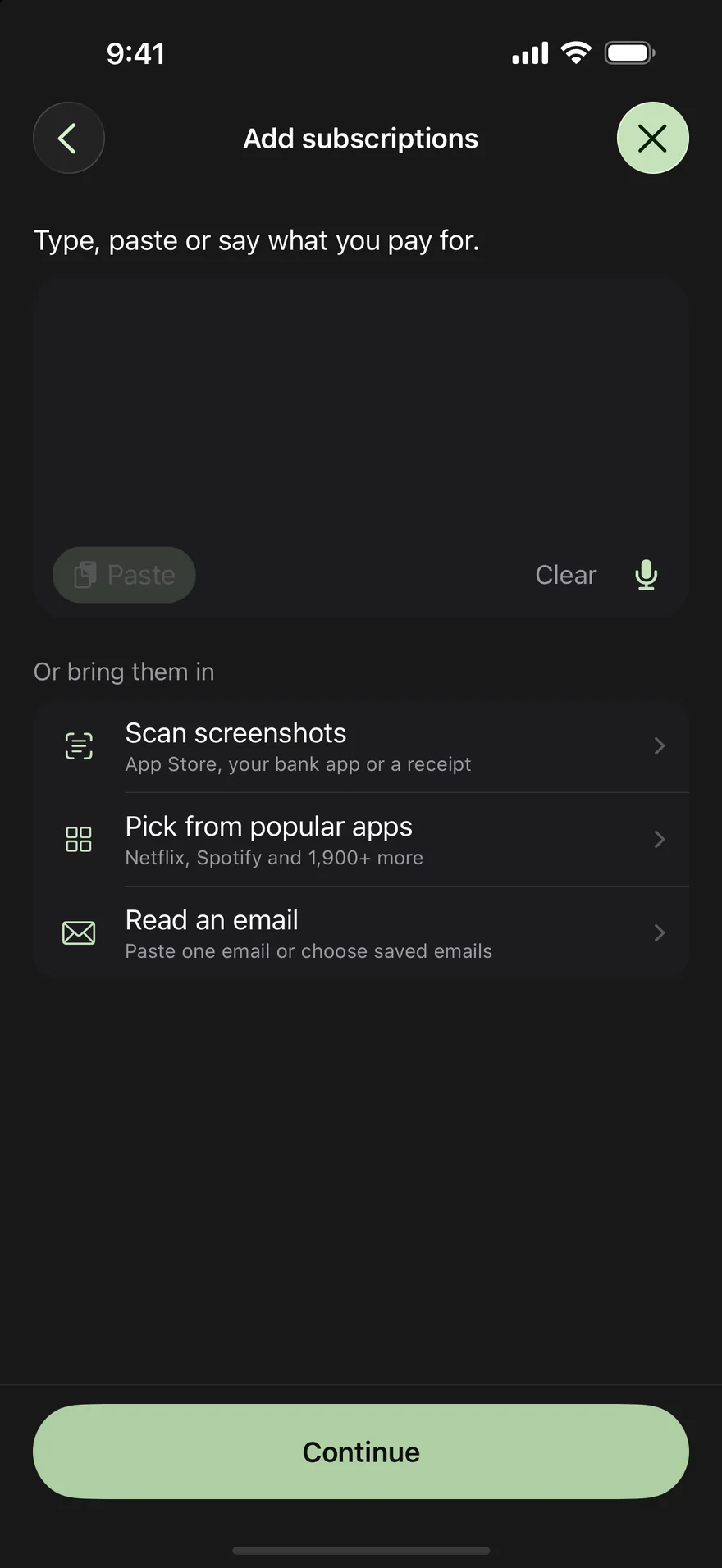
Add several at once
A whole list. Added at once.
Type, paste, or say it. Nothing is saved until you’ve had a look.3
Netflix 19.99 monthly
Gym 45 a month
…or paste a whole email or receiptDisney+$9.99 · monthlyCheck the next payment dateAdobe$119.88 · yearlyCheck the next payment dateCalmTrial, then $69.99 · yearlyGym$45.00 · monthlyCheck the next payment date4 selected · $70.81/moAdd 4 subscriptions
Netflix 19.99 monthly
Gym 45 a month
…or paste a whole email or receiptDisney+$9.99 · monthlyCheck the next payment dateAdobe$119.88 · yearlyCheck the next payment dateCalmTrial, then $69.99 · yearlyGym$45.00 · monthlyCheck the next payment date4 selected · $70.81/moAdd 4 subscriptions
Tenny drafts each one on your device. You can also pick from more than 1,900 services, read a subscription email, or scan screenshots.
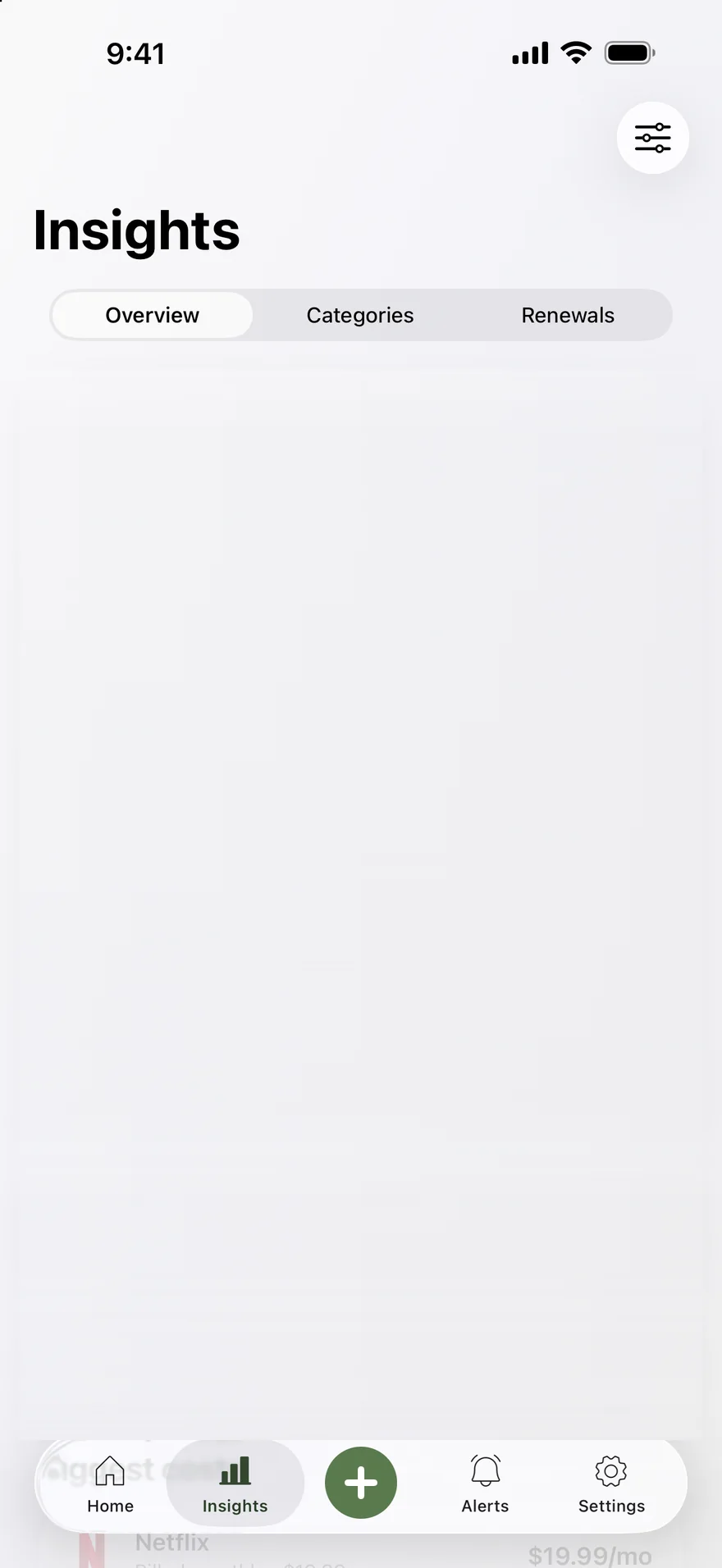
Insights
See where it all goes.
Trends, peaks, and your biggest costs. Arrange the cards you care about.5
Tenny Insights on iPhone: an $80 monthly average for October 2026 with a bar chart from May to October.
$79.94
Monthly average
Each active subscription is converted to a monthly average using its billing cycle. An annual price is divided by 12. This is a comparison of recurring costs; payments can fall in different months. Trials, paused, and canceled subscriptions are excluded.
Amounts shown in USD, using regional prices or available exchange rates where needed.
Contributing subscriptions
NetflixMonthly$19.99
YouTube PremiumMonthly$15.99
SpotifyMonthly$12.99
NotionMonthly$12.00
StravaMonthly$11.99
1PasswordYearly$3.99
iCloud+Monthly$2.99
Monthly average
Choose a card to put it on iPhone. Choose it again to take it back.
Revision history
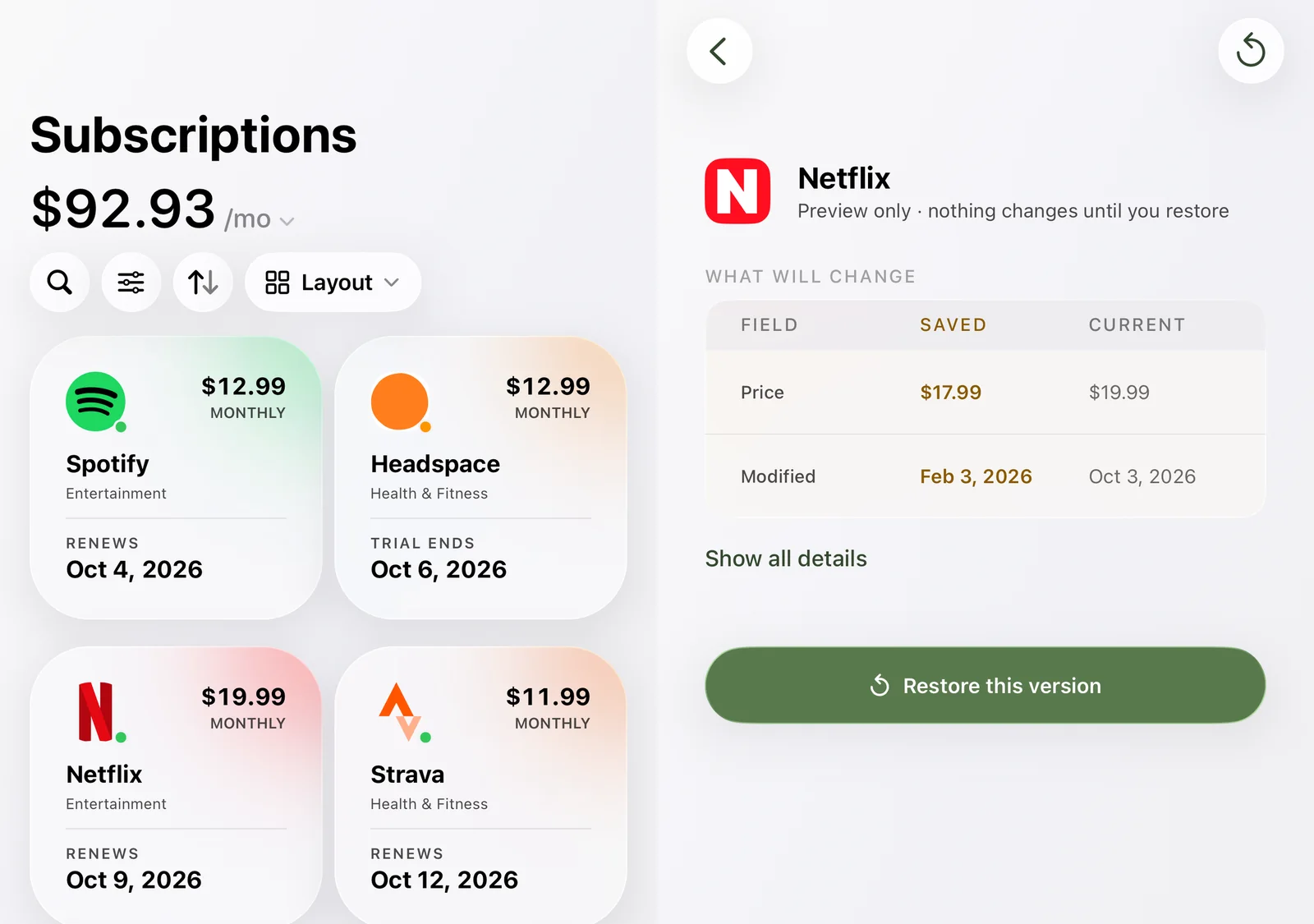
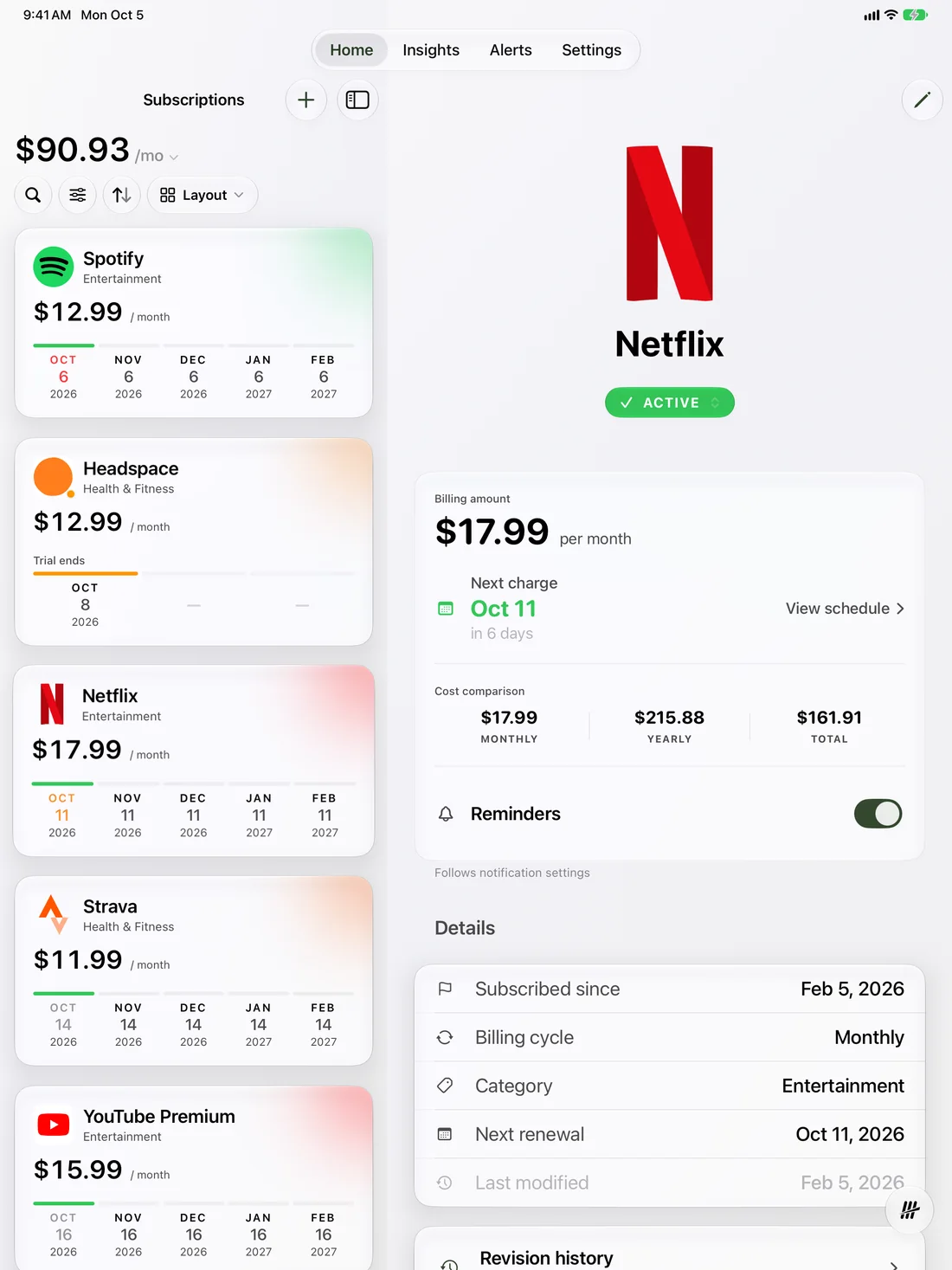
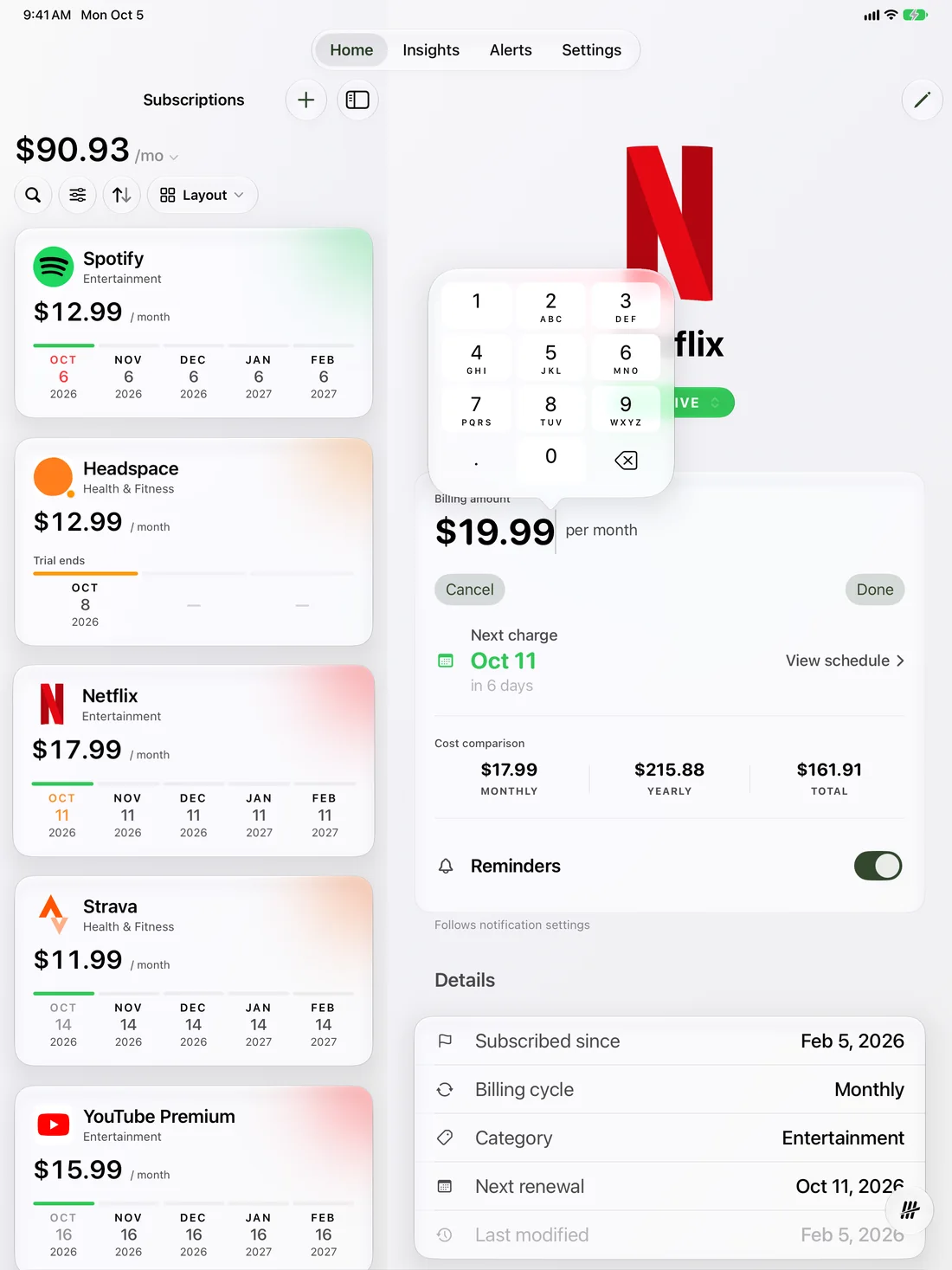
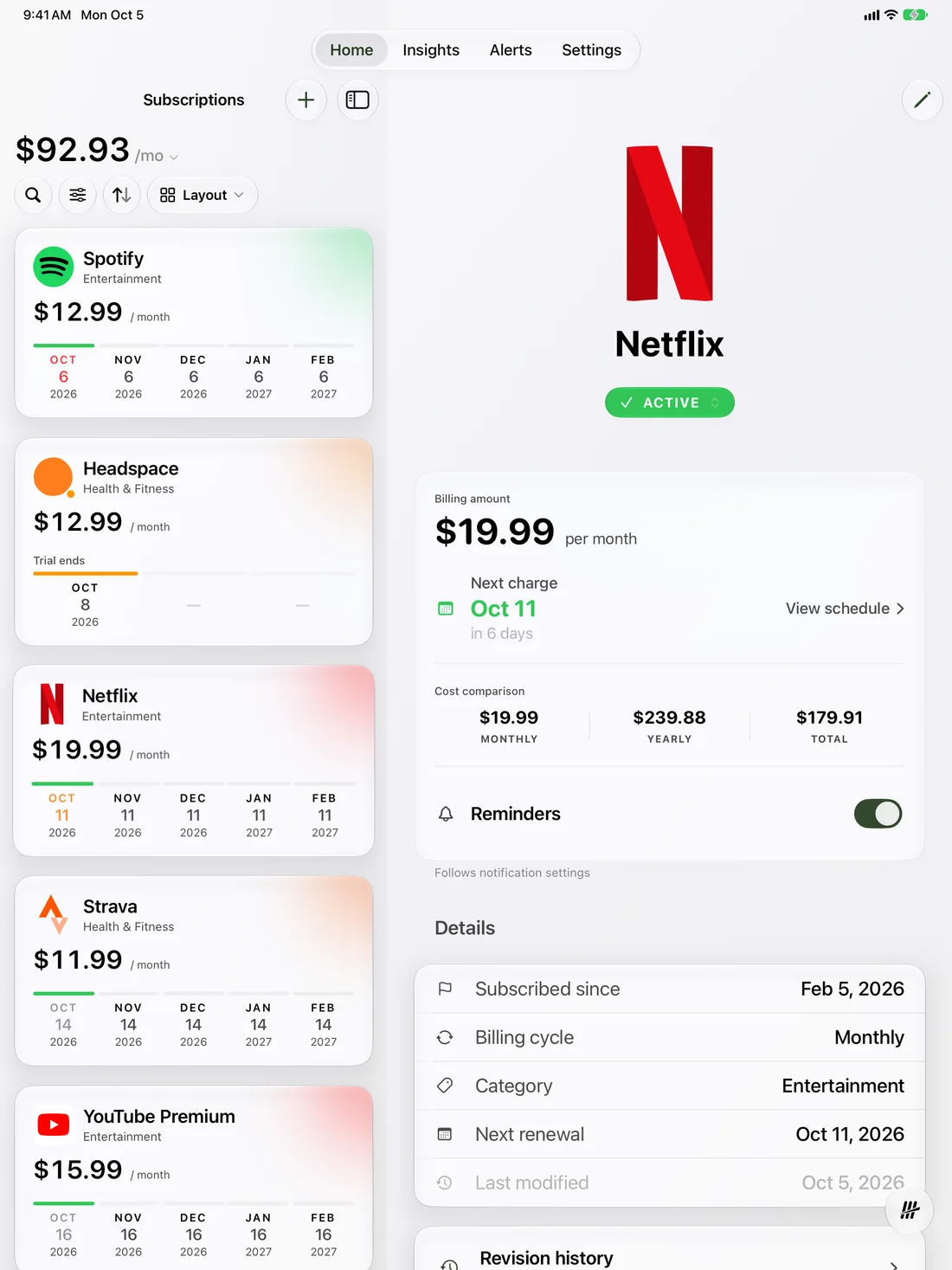
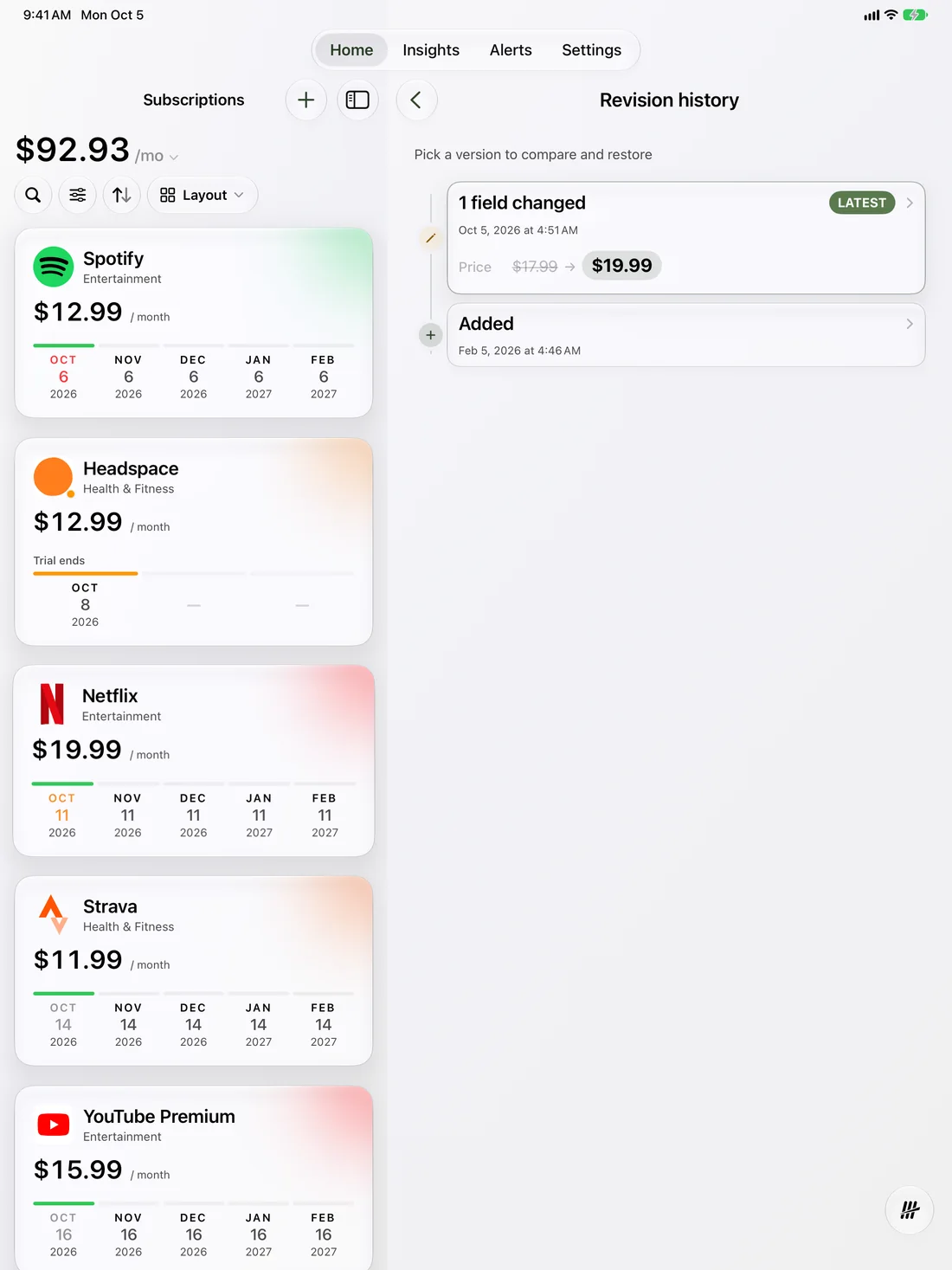
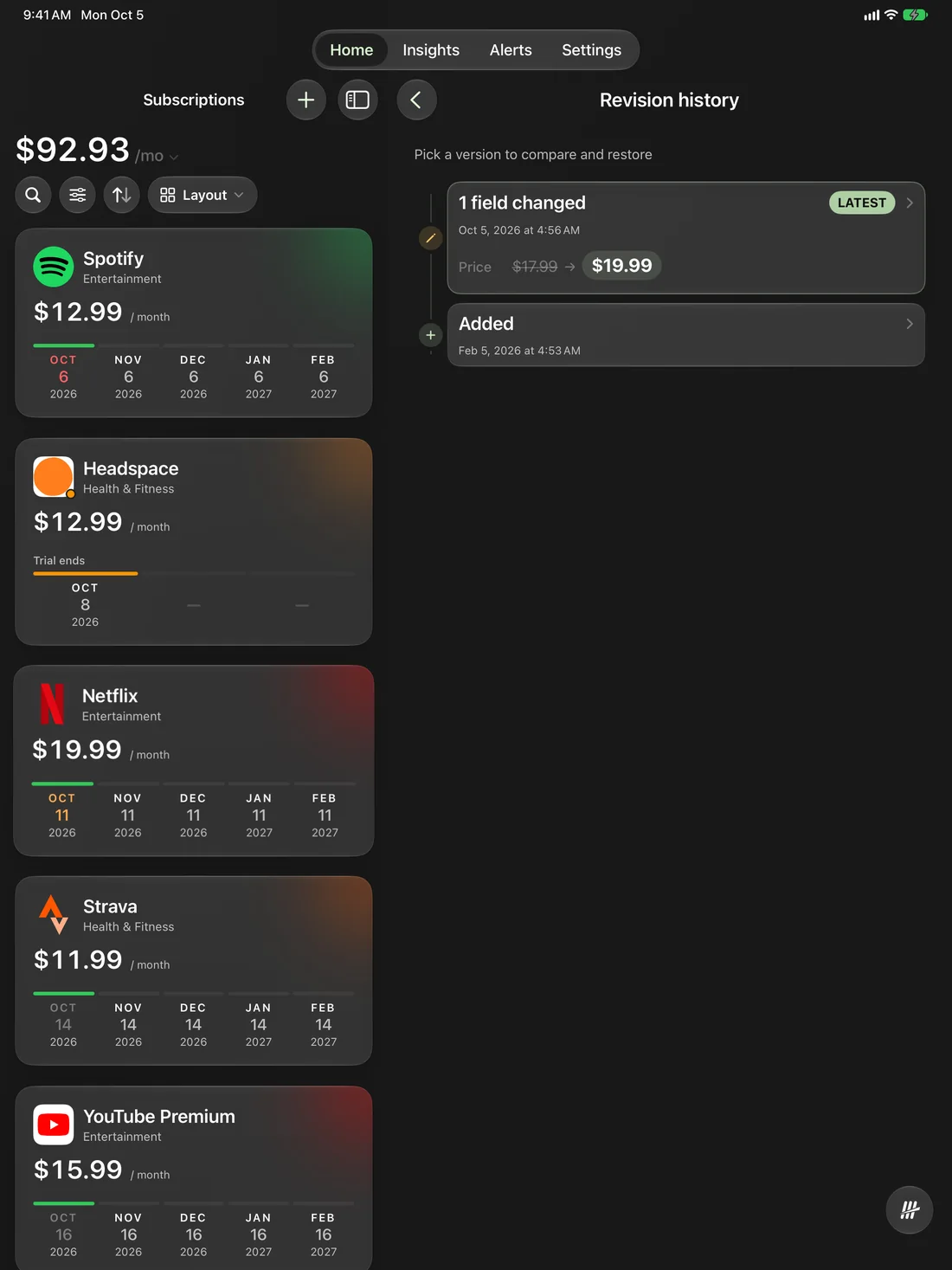
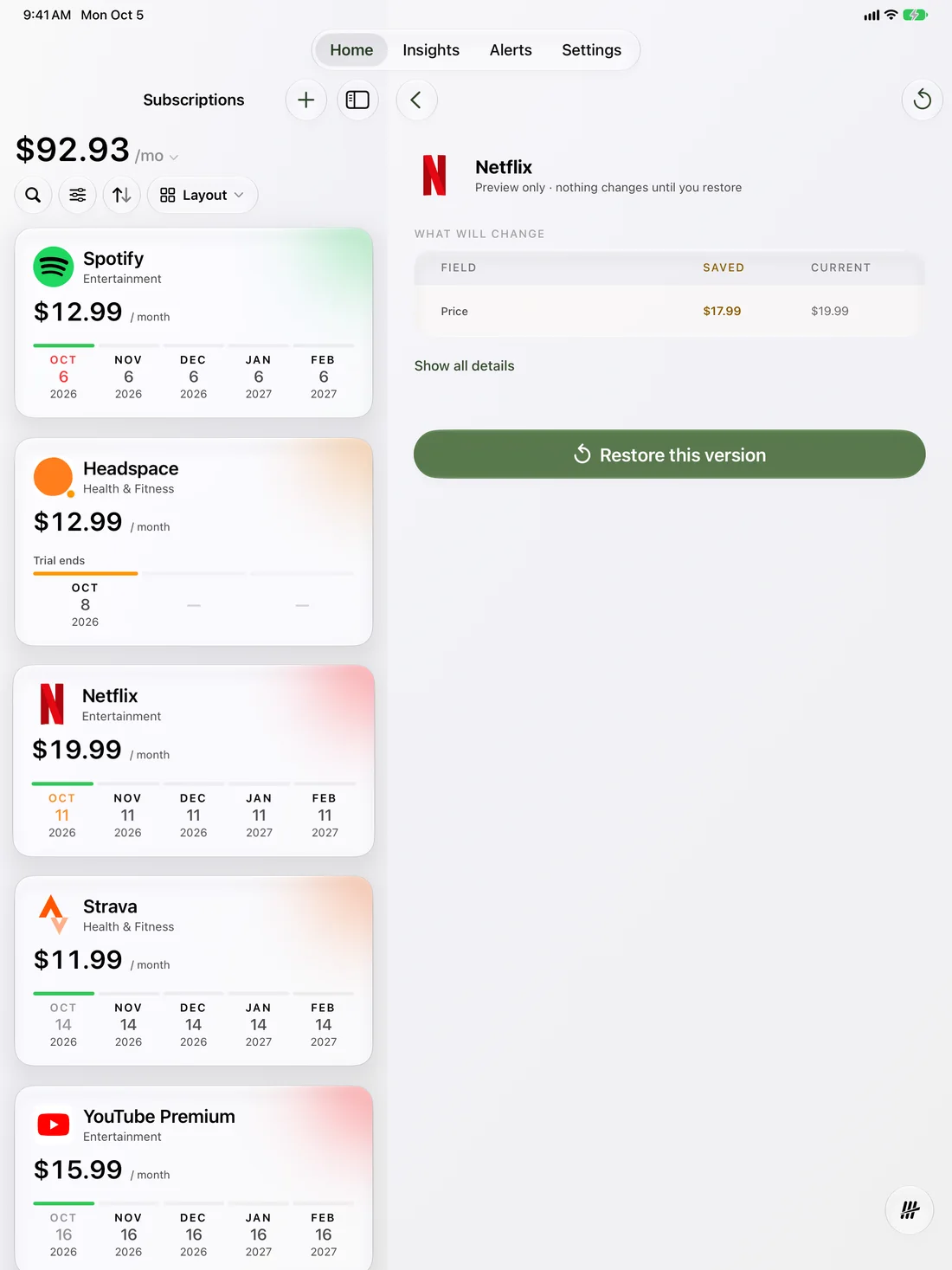
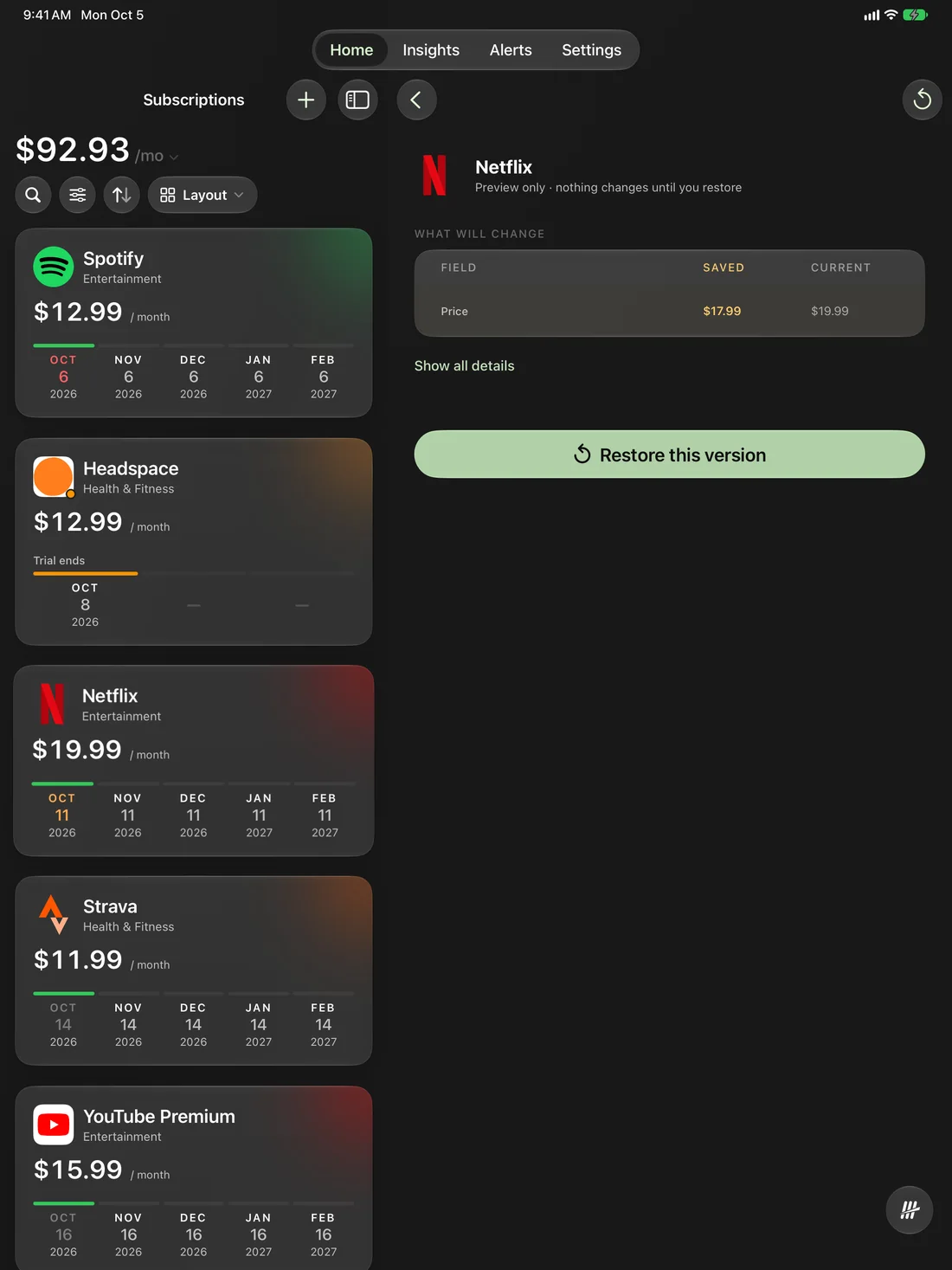
Edit a price. Keep the history.
$179.99was $17.99
Every edit saves the version before it, so you can see what changed and when.4
$179.99was $17.99
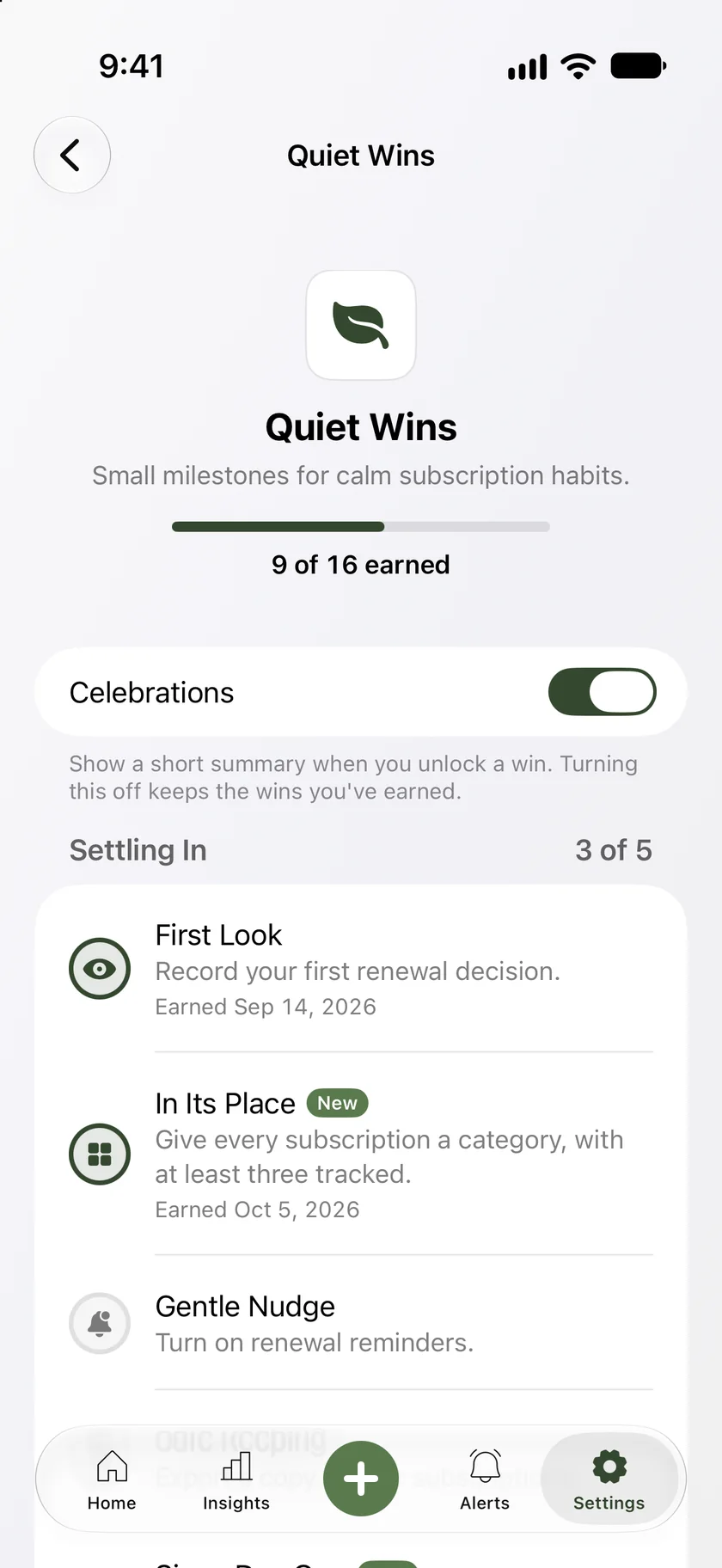
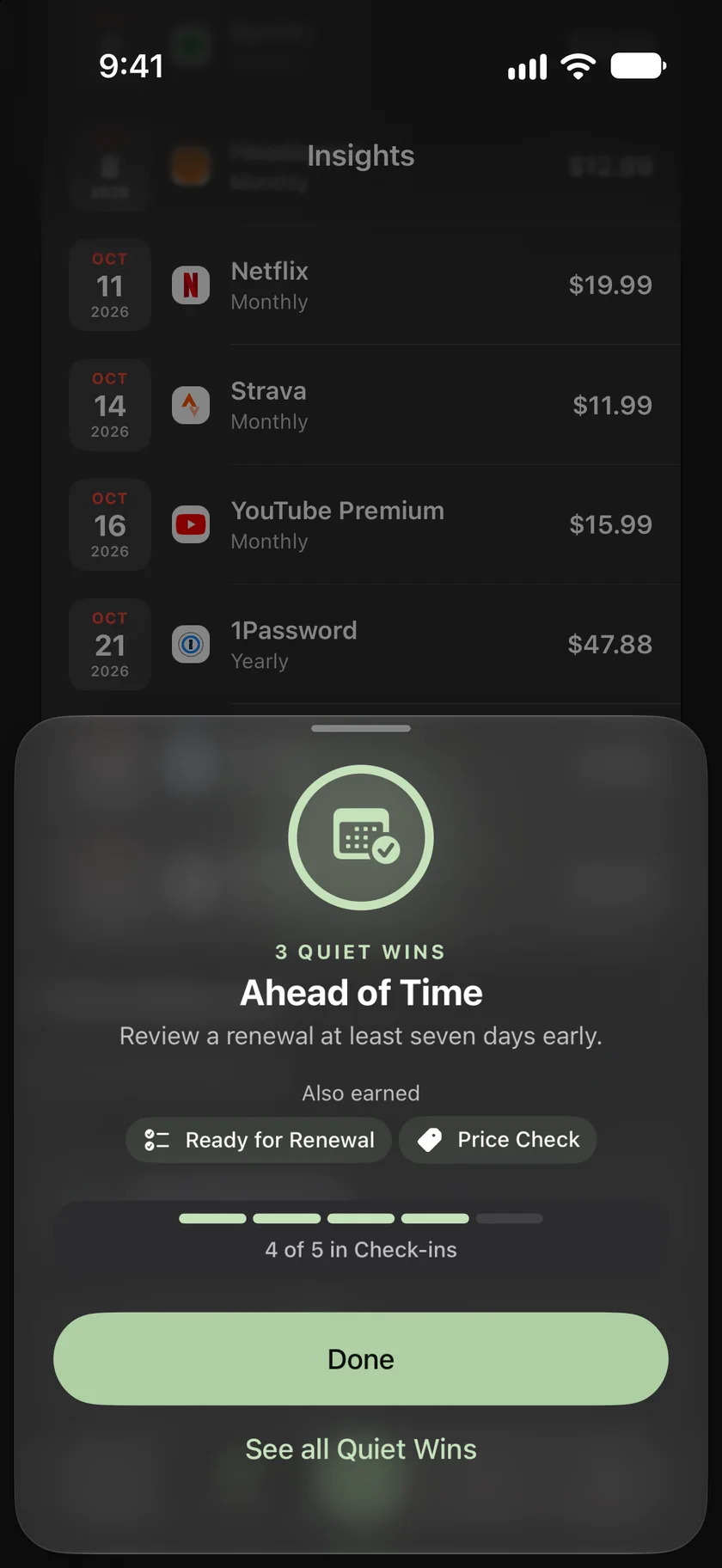
Quiet Wins
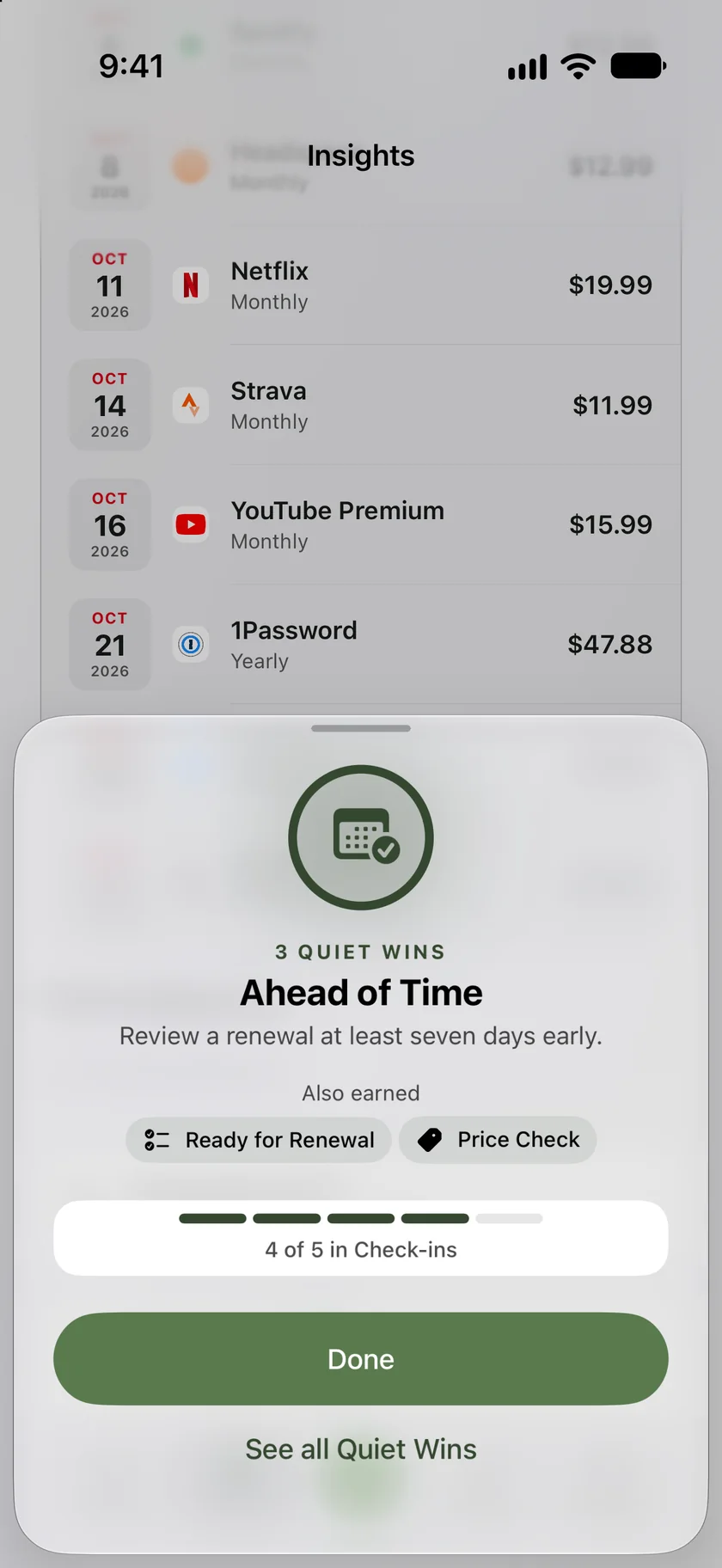
Small wins. Quietly earned.
Review renewals ahead of time, record your decisions, and watch your Quiet Wins add up. A page of your own shows your progress, with a short celebration when you earn one. You can turn celebrations off.
Tenny never contacts providers or cancels anything for you.
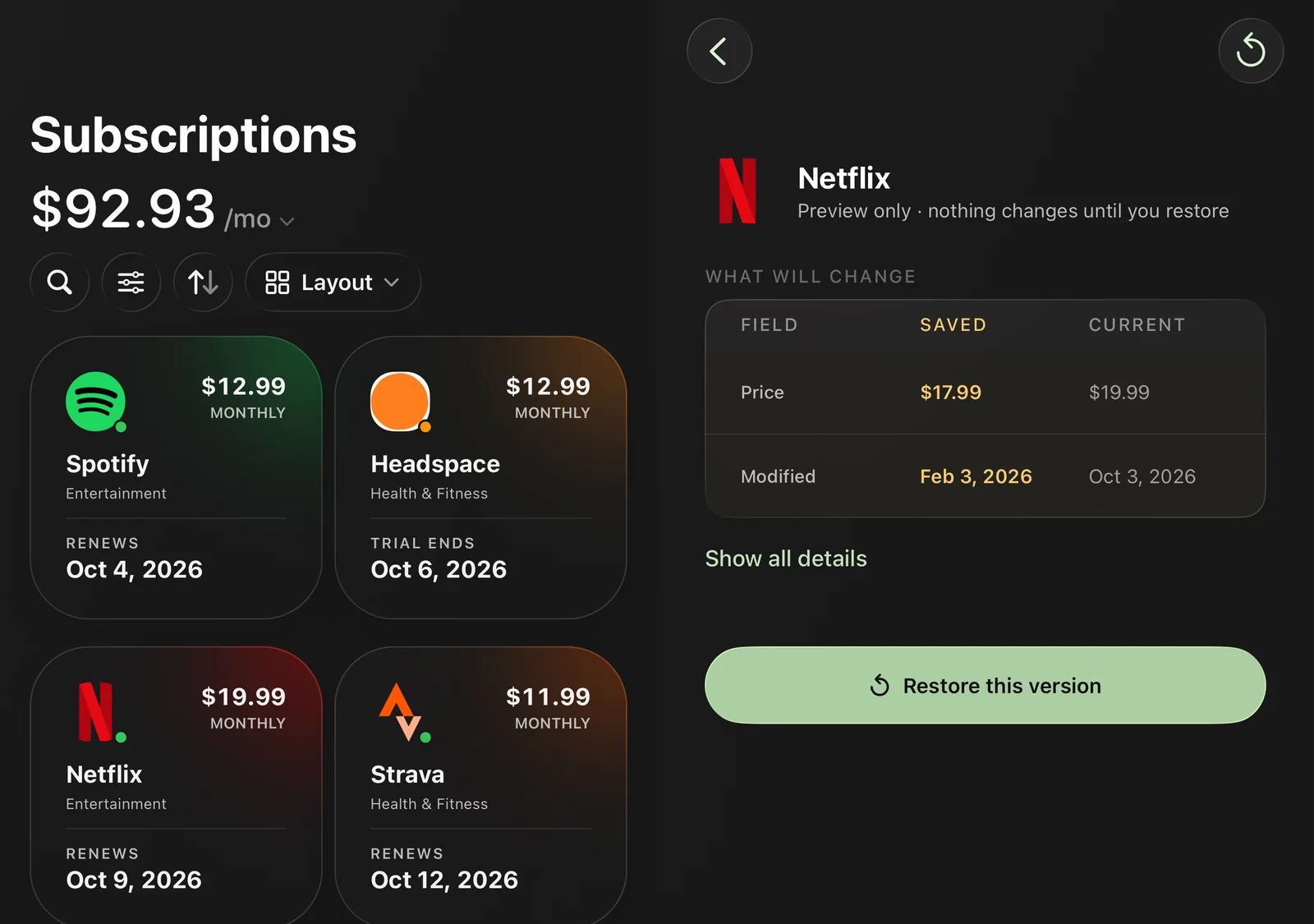
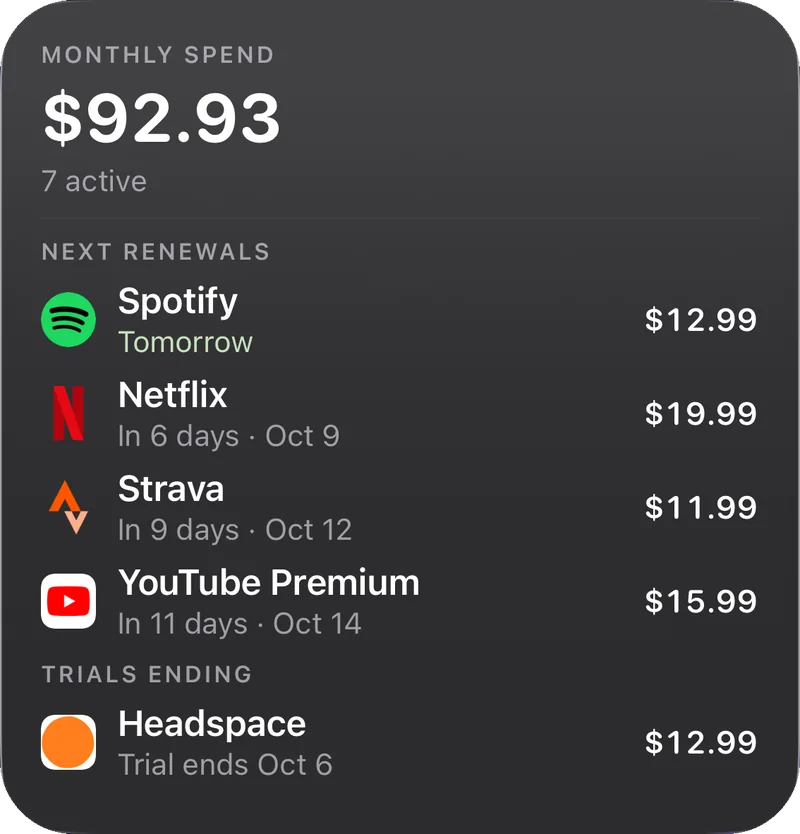
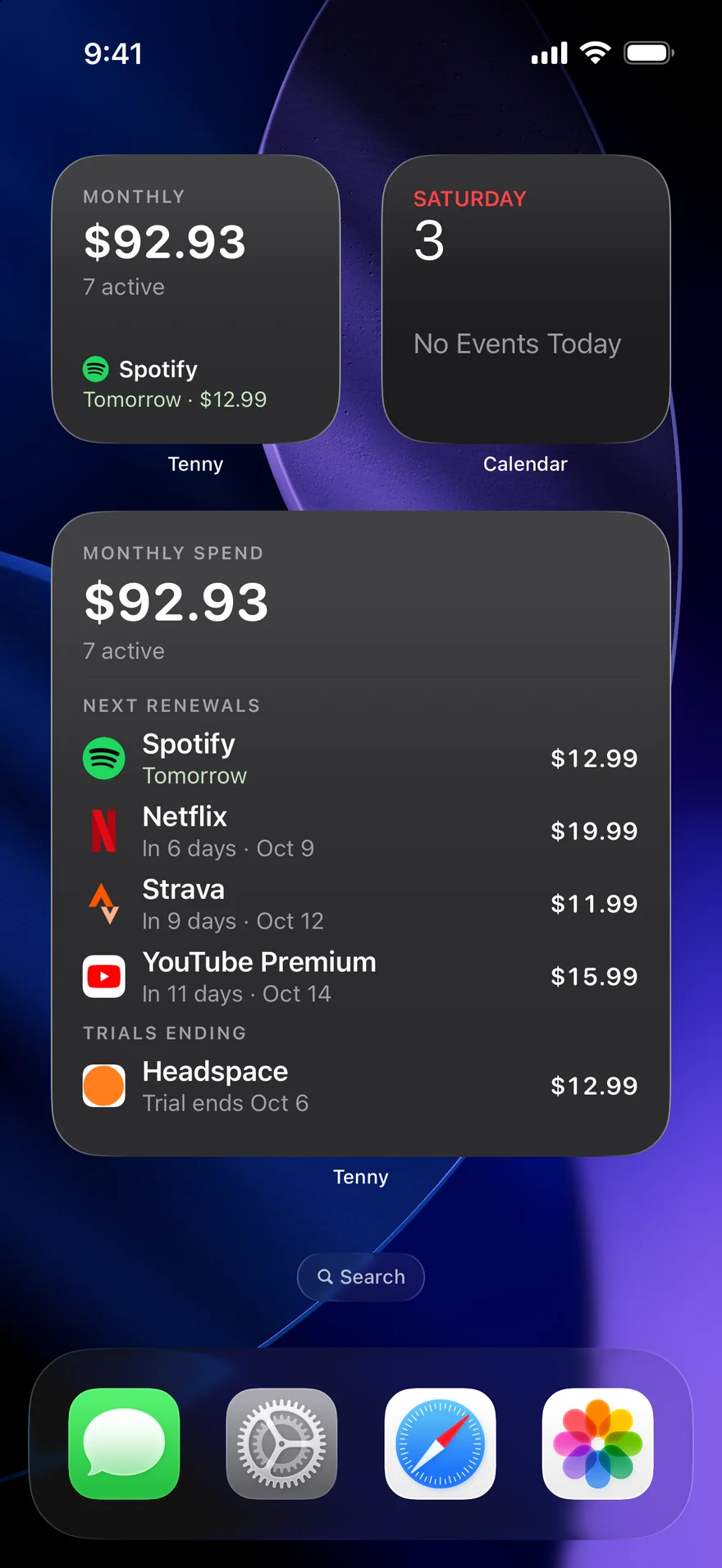
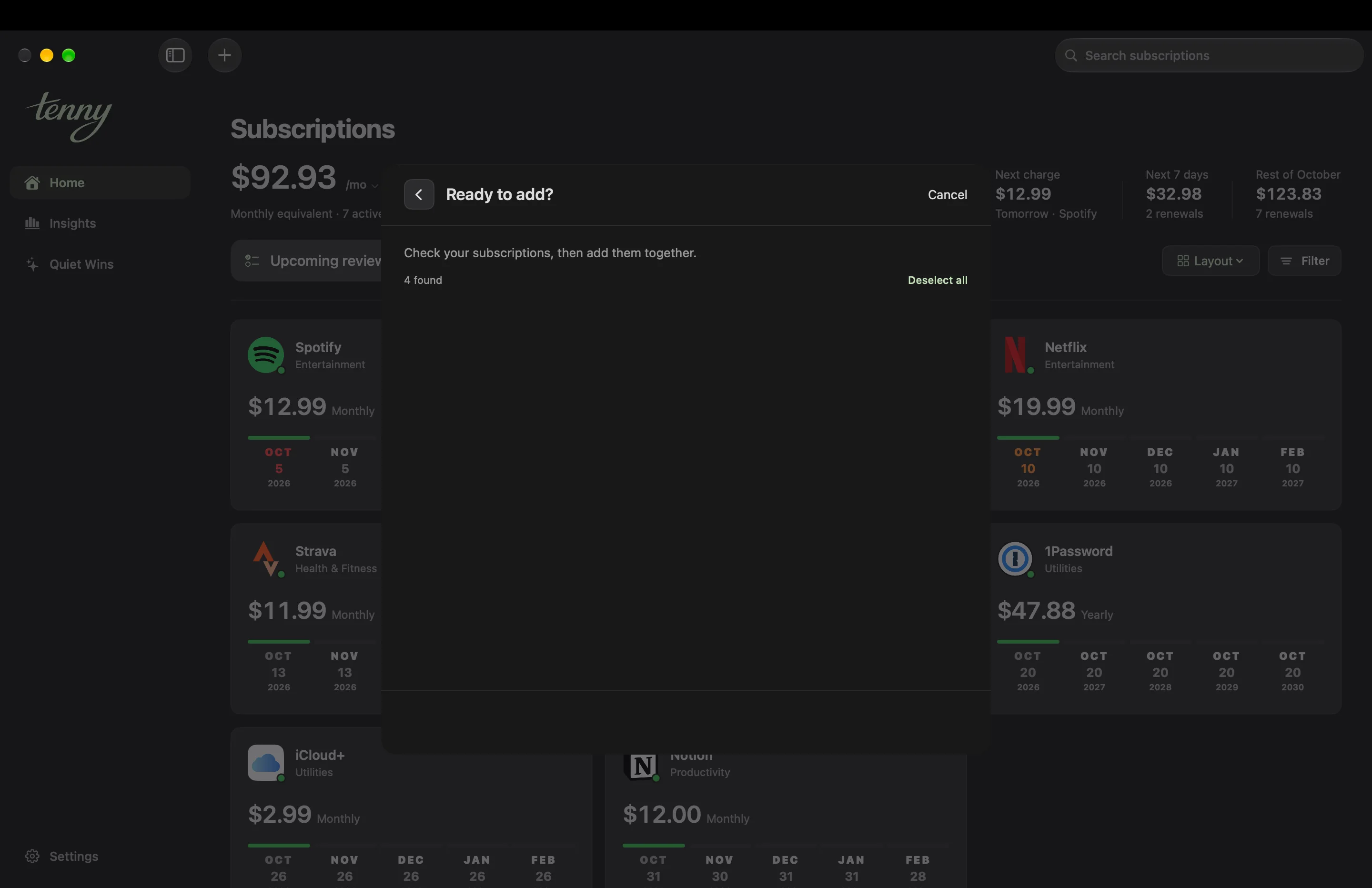
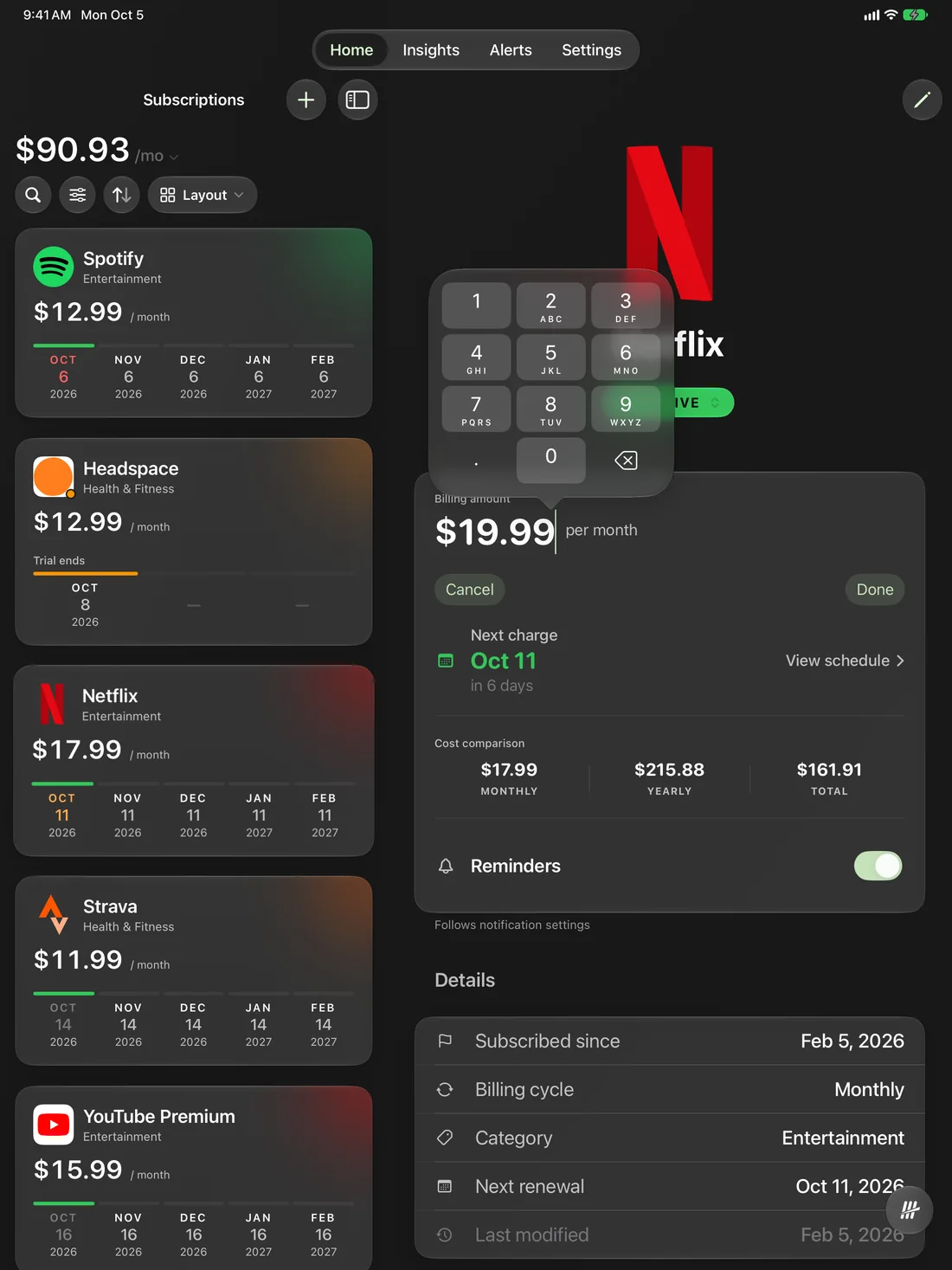
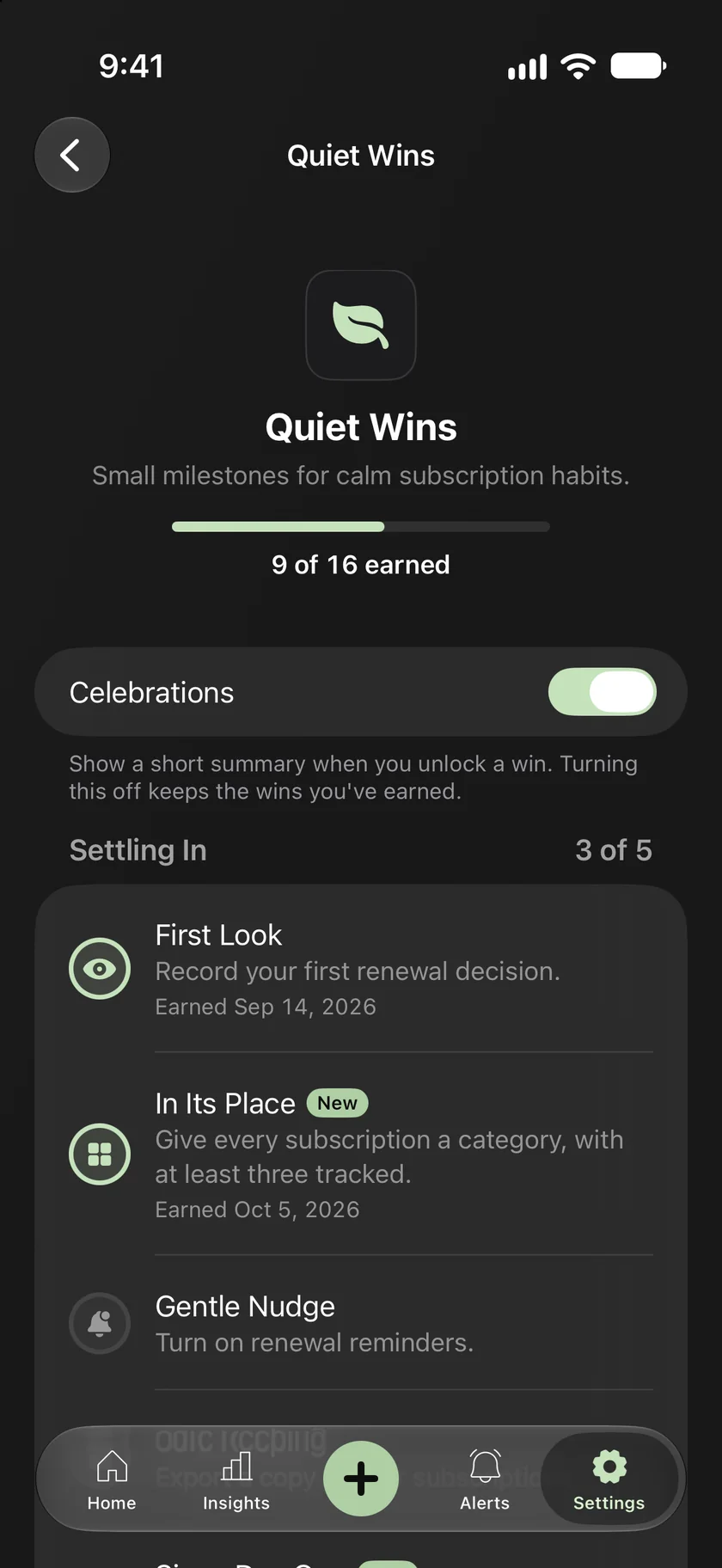
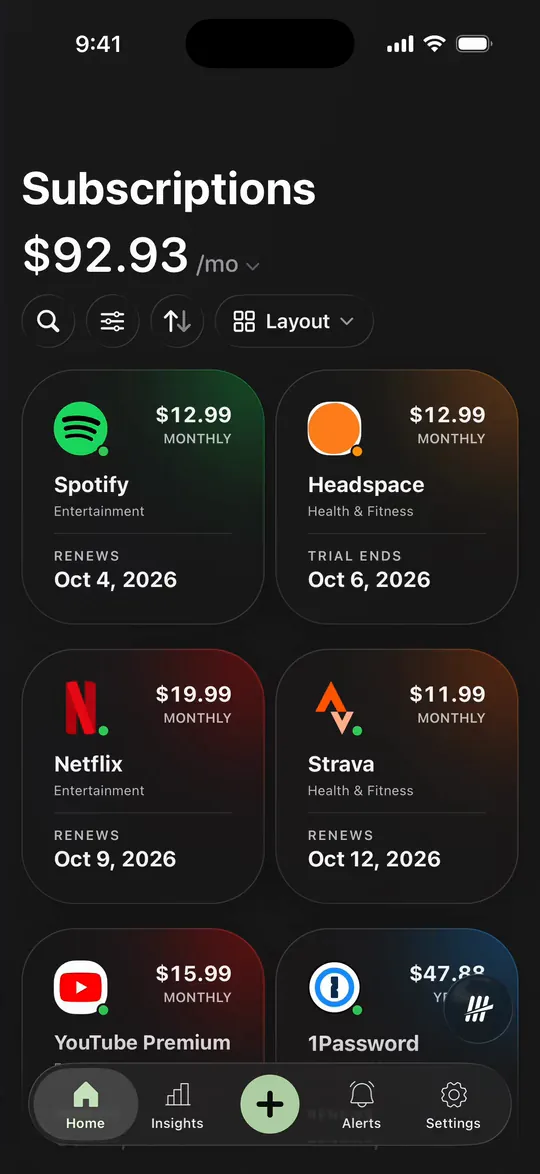
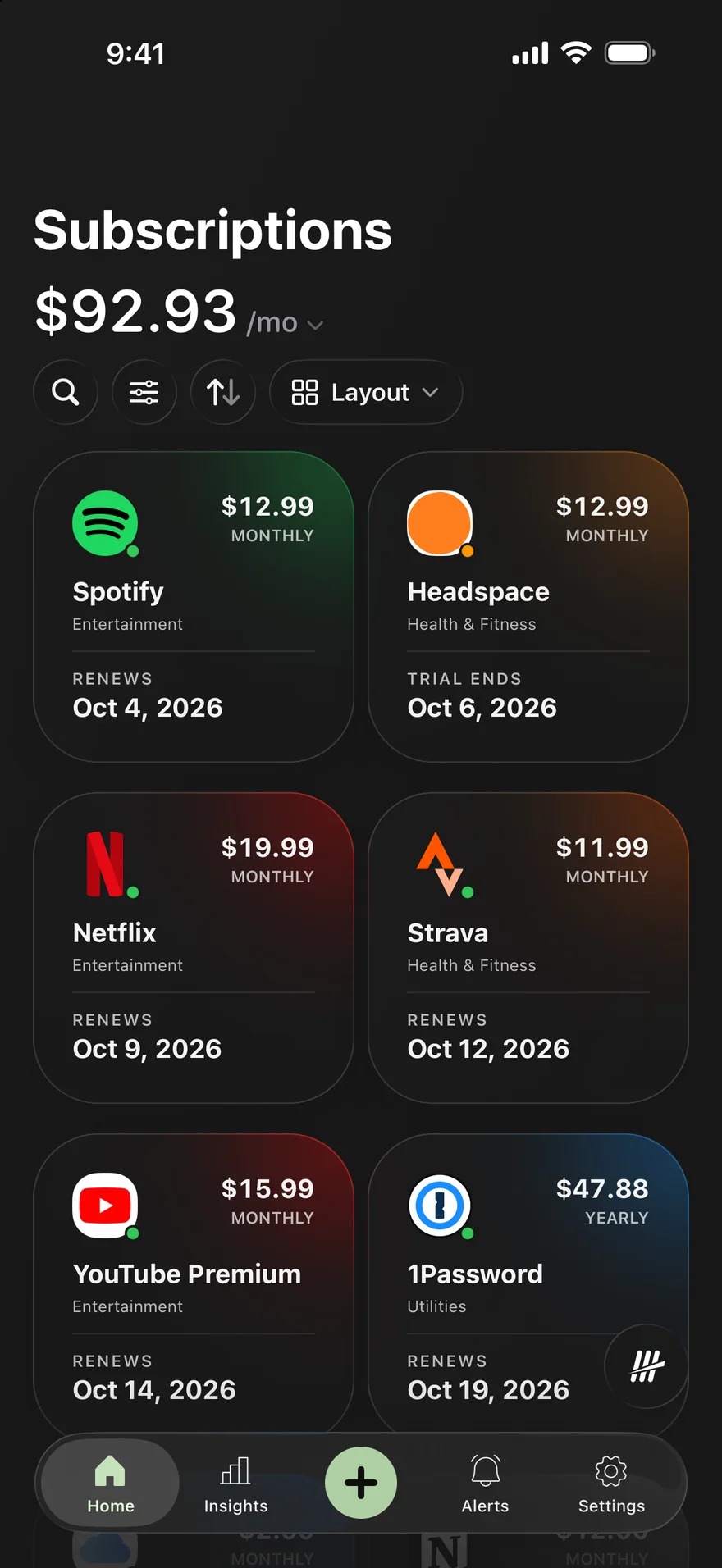
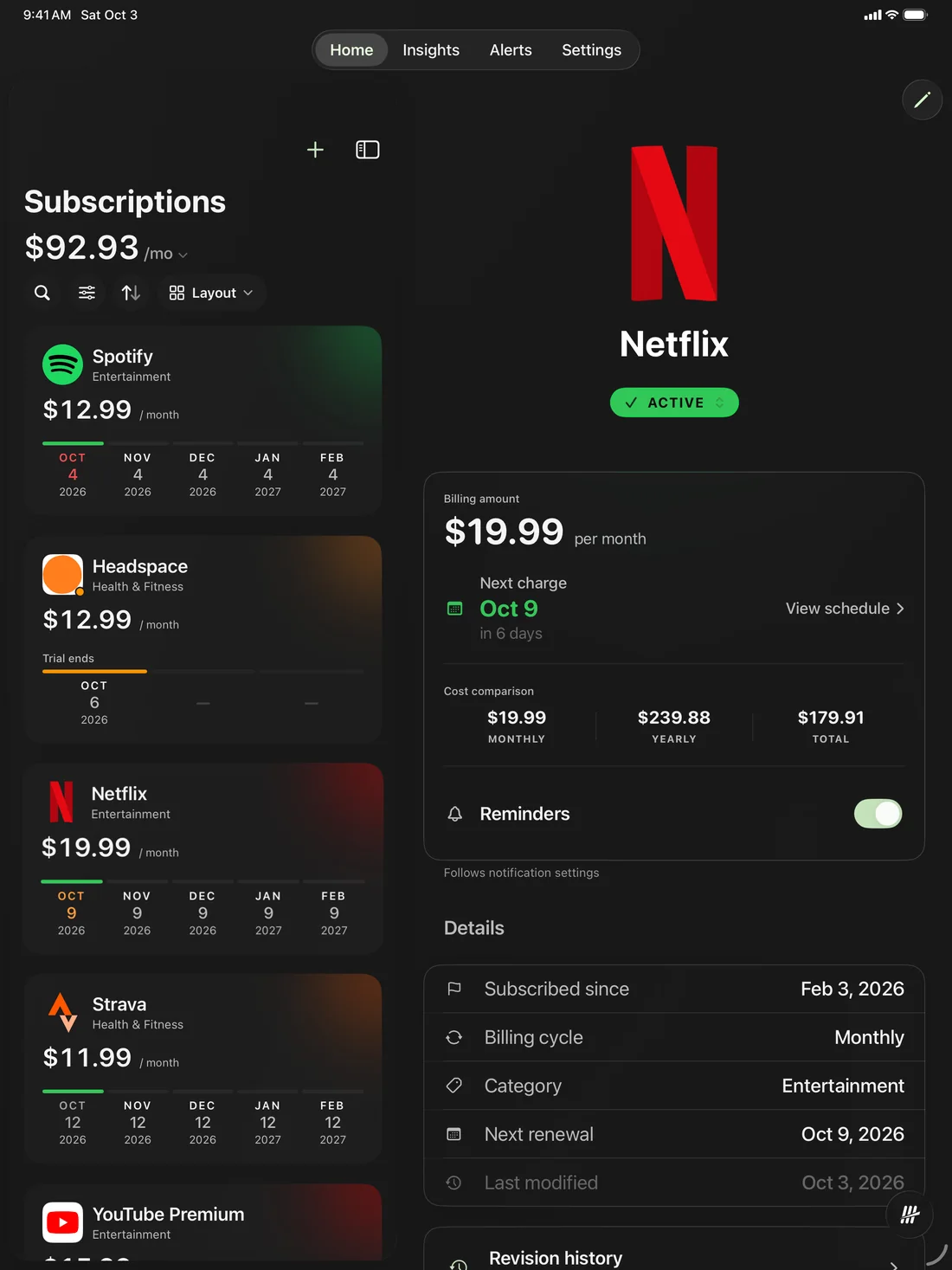
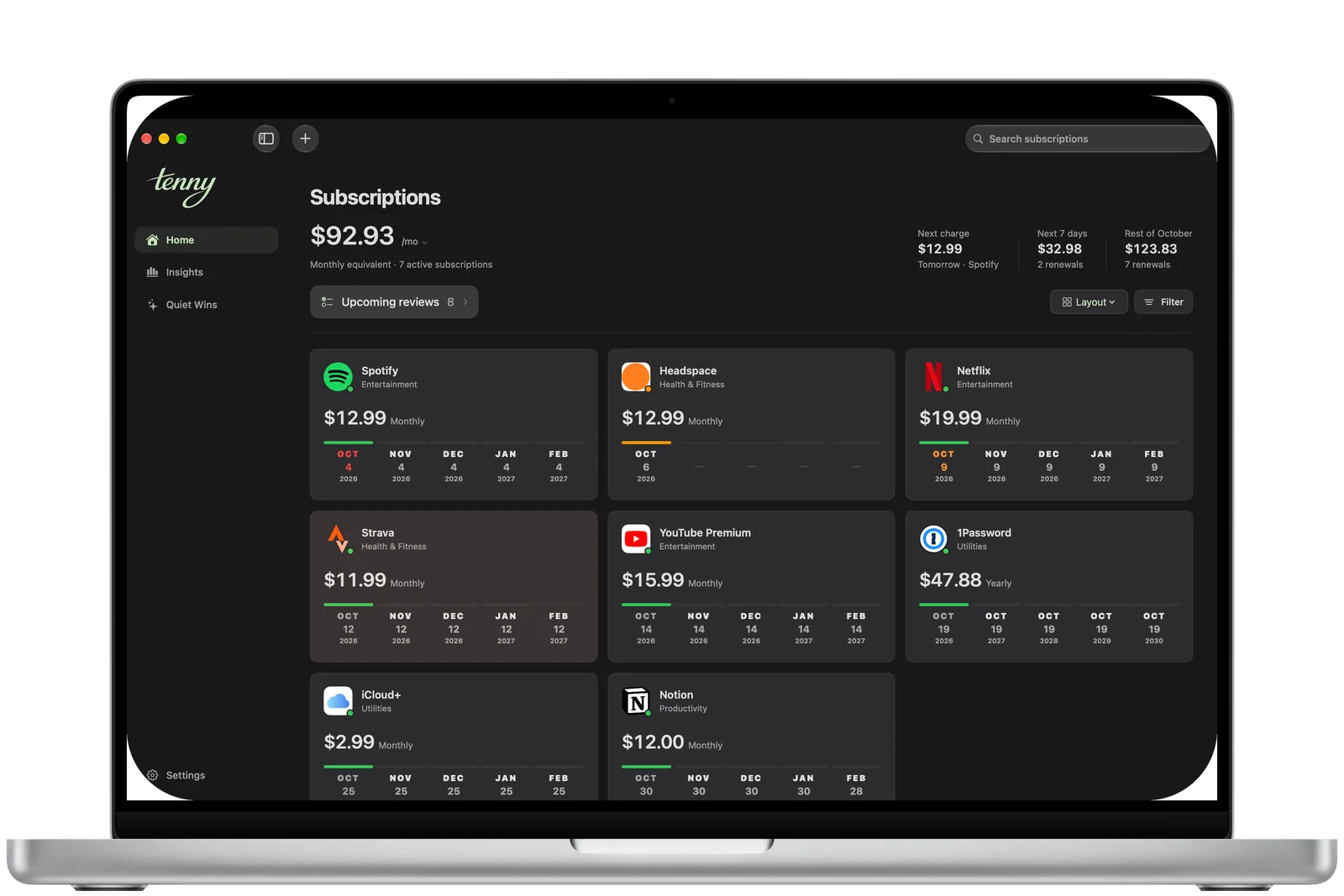
Light and dark
Light or dark. Your call.
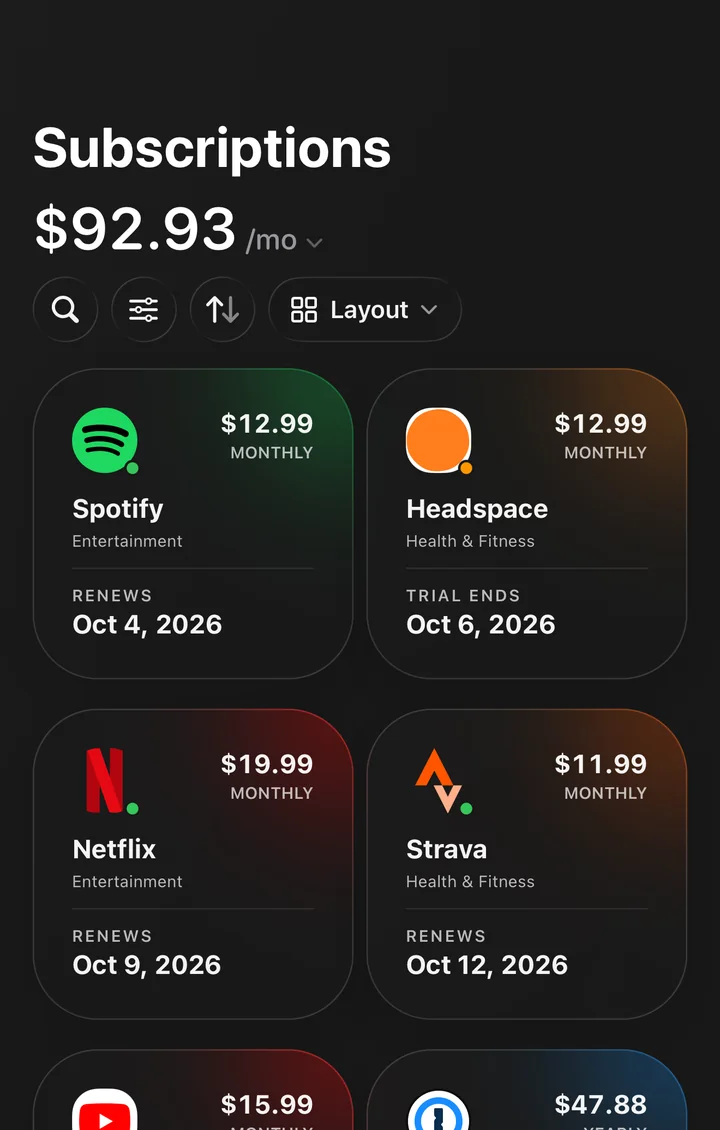
Flip it, or drag across to compare.
One recording of Tenny, in both appearances at the same moment.
Your data stays yours.
Tenny works for you, not for advertisers.
No ads. Ever.Paid for by Tenny Pro. Your data isn’t sold.
No account.Open it and start. Sync uses the Apple Account you have.
Kept on your devices.Synced through your private iCloud, when it’s on.
Smarts on your device.What you type or say isn’t sent to a cloud model.
Yours to take.Export or delete everything, any time.
Discreet on the Lock Screen.Names and amounts stay hidden unless you choose.
Community Pricing, in the open.See what others pay. Sharing is on by default and linked to your Apple Account, so it isn’t anonymous. Turn it off in Settings.4
Tenny is available for iPhone, iPad, and Mac, with an Apple Watch companion that shows updates from your paired iPhone. iPhone and iPad require iOS or iPadOS 18.6 or later, Mac requires macOS 15.6 or later, and Apple Watch requires watchOS 11.6 or later. Widgets, Renewal Live Activities, and Ask Tenny are on iPhone and iPad. There is no Android or Windows app.
Does Tenny connect to my bank or email?
Not today. You add subscriptions yourself: pick from more than 1,900 services, dictate on your device, paste a list or a single email, or scan a screenshot. You review each one before it’s saved. Tenny doesn’t ask for bank or card details, and it only reads the text you give it.
Does it sync between my devices?
When iCloud is available, Tenny syncs through your private CloudKit database between devices signed in to the same Apple Account. Otherwise, your data stays local. The Apple Watch companion receives a snapshot from your paired iPhone.
Does Ask Tenny send my questions anywhere?
No. Ask Tenny runs on your device and answers from your own subscriptions. The only thing it can do for you is schedule a local reminder. You can turn it off in Settings.
Is Smart Add included for free?
Smart Add is included in Free and Pro. It uses Apple’s on-device model, so it needs iOS 26, iPadOS 26, or macOS 26 on a device that supports Apple Intelligence, with Apple Intelligence turned on and the model ready. Manual entry is always available. You review the draft before saving. The Free plan’s four-subscription limit still applies.
What is Community Pricing?
It shows what others pay for the same plan. Sharing your own prices is on by default, and you can turn it off at any time in Settings. While it’s on, Tenny shares the service and plan, the price and currency, the billing interval, and a country code from your device’s region, for services it recognizes. Shared prices are linked to an Apple Account through CloudKit, so they are not anonymous. They don’t include your name, email, notes, renewal dates, or payment details. You can still see estimates with sharing off.
Which currencies does Tenny support?
Each subscription keeps its own currency, and Tenny shows totals in the currency you choose. Exchange rates are downloaded and the conversion happens on your device.
Will Tenny cancel subscriptions for me?
No. Tenny helps you track renewals and record your decisions. To cancel, visit the service or your Apple subscription settings. Recording a cancellation in Tenny does not cancel billing.
Is Pro another subscription?
No. Tenny Pro is a one-time in-app purchase: $14.99 in the US. One purchase unlocks Pro on iPhone, iPad, and Mac with the same Apple Account, and you can share it with Family Sharing. See your local price in Tenny before you buy. You can start with four subscriptions for free, with no time limit.
Can I take my data with me?
Yes. CSV import and export are included in Free and Pro. Pro also includes full backup and restore, including saved revision history, icons, settings, and dashboard layout.